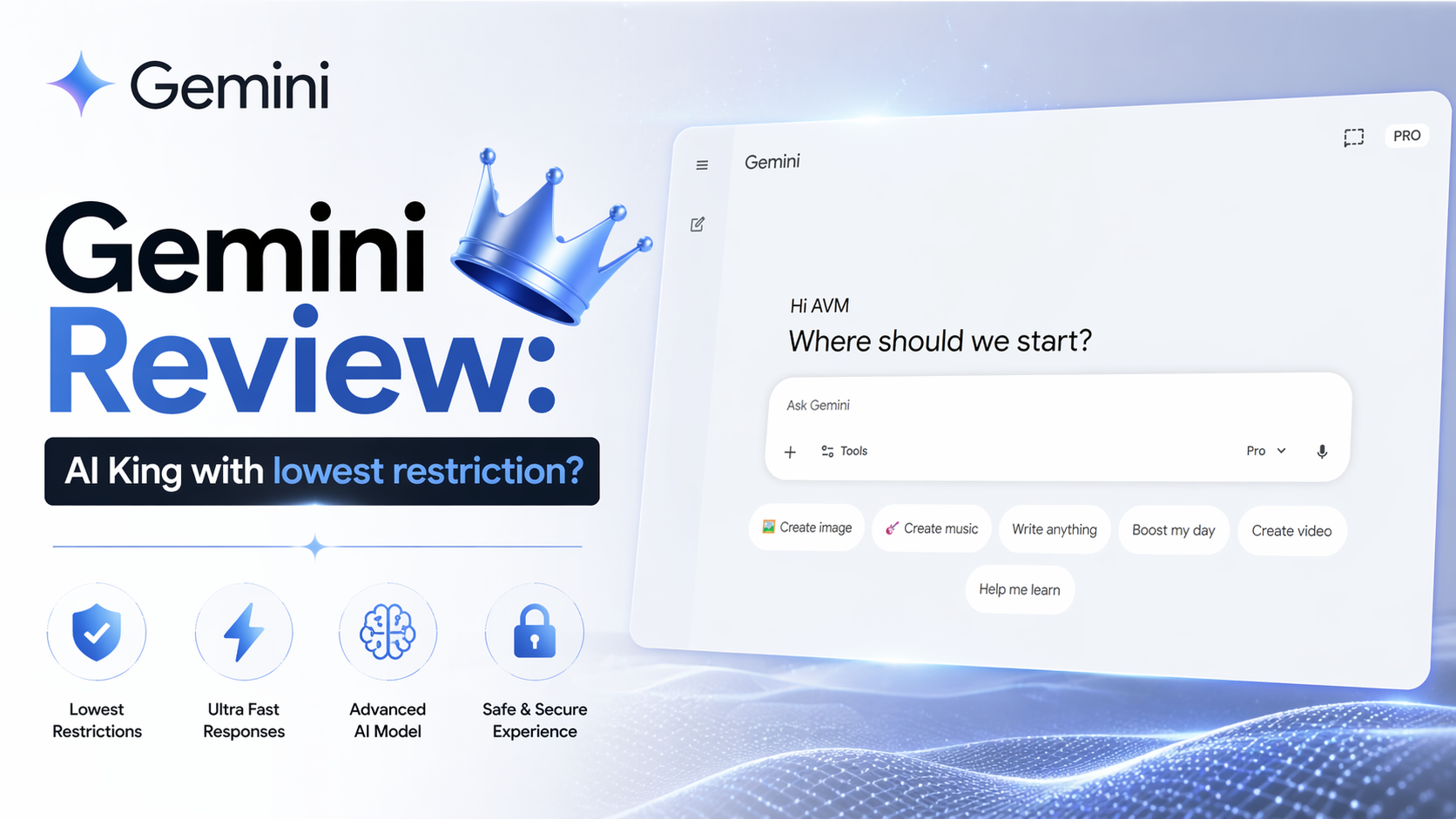
Gemini Review: AI King with lowest restriction?
Google Gemini is one of the most complete AI assistants available in 2026. It combines writing help, research tools, coding support, image generation, voice chat, and strong integration with Google services. If you already use Gmail, Docs, Drive, Sheets, Android, or Chrome, Gemini feels more useful than many standalone AI tools because it fits naturally into daily work.
The biggest strength of Gemini is convenience. You can ask it to summarize emails, draft content, organize notes, explain files, create spreadsheets, brainstorm ideas, or help with coding tasks. It also supports voice conversations through Gemini Live, which feels smoother now than earlier versions. Recent updates improved natural back-and-forth responses and faster handling of context.
For writing tasks, Gemini performs well for blog drafts, emails, outlines, rewriting, and content ideas. It is especially useful for people who need quick productivity help instead of only deep technical outputs. Tone control is decent, and it usually gives clean formatting. For marketers, students, freelancers, and office users, this makes Gemini practical every day.
Gemini has also become stronger for coding and reasoning. The newer Pro models improved logic, debugging, structured outputs, and file analysis. Many users now use it for Python, JavaScript, research notes, and workflow automation. However, performance can vary depending on which model version is active, and some advanced users still mention inconsistency during heavy usage.
Another major benefit is multimodal use. You can upload PDFs, images, screenshots, spreadsheets, and documents. Gemini can explain charts, summarize reports, answer questions from files, and turn rough notes into polished content. This saves time for professionals who work with many file types.
Gemini Pricing
Pricing is competitive right now. As of April 2026, Gemini Free gives access to core AI chat features with limits. Google AI Pro is around $19.99/month, which includes stronger models, expanded usage, premium features, and extra cloud benefits in some regions. Higher business or Ultra plans may exist depending on country and workspace setup.
Who should use Gemini? It is a strong pick for students, creators, bloggers, business users, office teams, Android users, and anyone already inside the Google ecosystem. If you need an AI tool that connects with your real work instead of only chatting, Gemini is one of the best options.
Still, it is not perfect. Sometimes responses feel excellent one day and average the next. Some users also prefer competitors for highly creative writing or elite coding depth. But for value, integrations, speed, and everyday usefulness, Gemini remains a smart choice in 2026.
Optizeno Final Verdict
Overall, Gemini succeeds because it balances power with practicality. It is not just an AI chatbot. It is a productivity system built around how most people already work online.
Pros
- Excellent integration with Google apps
- Strong writing and productivity features
- Good file upload and document analysis
- Smooth voice chat with Gemini Live
- Competitive monthly pricing
- Very Less Censorship
- You can freely chat with Gemini about any political discussion
Cons
- Frequent slower responses