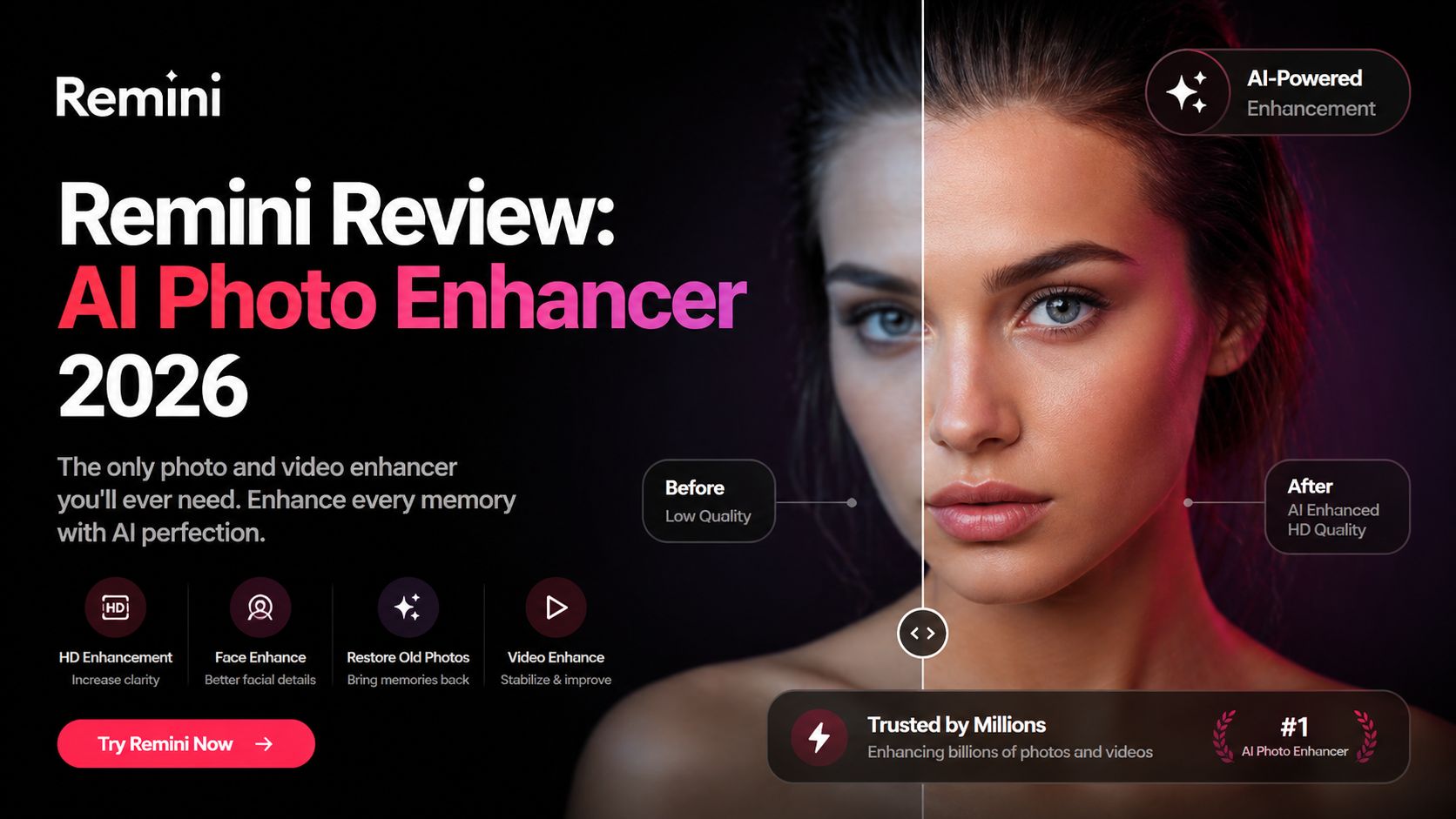
Remini Review: AI Photo Enhancer 2026
Remini has become one of the most recognized AI photo enhancement tools for people who want to fix blurry, old, or low-quality photos in seconds. It is especially popular for sharpening faces, restoring vintage family images, improving selfies, and upgrading weak mobile photos into cleaner high-definition results. If you have pictures that look soft, pixelated, or damaged, Remini is one of the easiest tools to try.
After testing the latest version, Remini still stands out for one reason: speed. Upload a photo, tap enhance, and the tool quickly rebuilds facial detail, improves sharpness, and increases clarity. Many users do not want advanced editing menus or manual controls. They simply want better photos fast. Remini delivers exactly that.
Its strongest use case is portraits. Faces often improve dramatically, especially older selfies, compressed social media photos, and grainy camera shots. Eyes become clearer, skin looks cleaner, and facial lines become more defined. This is why the app became viral across TikTok, Instagram, and before-and-after social posts.
Another valuable feature is old photo restoration. If you have faded family pictures, scanned prints, or damaged images from older cameras, Remini can bring them back with stronger contrast and better detail. It works especially well on face-centered photos. For people preserving memories, that can be a major emotional benefit.
Remini has also expanded beyond still images. The platform now includes video enhancement tools that can improve blurry or low-resolution footage and upscale certain videos. This makes it useful for creators repurposing old clips or improving archived content.
The user experience is simple. The mobile app remains the main product, but web access is also available. Beginners can start immediately without editing knowledge. That ease of use is a big reason why Remini continues to grow while more complex editing apps feel overwhelming.
Pricing as of April 2026 follows a freemium model. There is a free version with ads, limited daily usage, and some restricted exports. Premium plans vary by region and platform, but common pricing seen publicly starts around $6.99/week, with monthly and annual options also offered through app stores. Exact prices may change depending on country, promotions, and device platform.
Remini is not perfect. The AI sometimes over-processes images, especially skin texture, hair, or fabric. In some photos, results can look too smooth or slightly artificial. It performs best when the original image still has some usable detail. Extremely damaged photos may improve, but not always perfectly.
Free users may also find ads and usage limits frustrating. Heavy users or professionals will likely need a paid plan for smoother workflow and better output access.
Still, for everyday users, creators, and families restoring memories, Remini remains one of the best one-tap AI enhancers available. It combines speed, simplicity, and dramatic visible results better than many competitors.
For Optizeno, Remini is a strong recommendation in 2026 for anyone who wants clearer portraits, restored memories, and better-looking low-quality photos without learning Photoshop.
Pros
- Excellent face sharpening and portrait enhancement
- Great for restoring old family photos
- Very easy one-tap workflow
- Mobile and web access available
- Also supports video enhancement
Cons
- Can over-smooth details sometimes
- Free plan includes ads and limits
- Best features require subscription