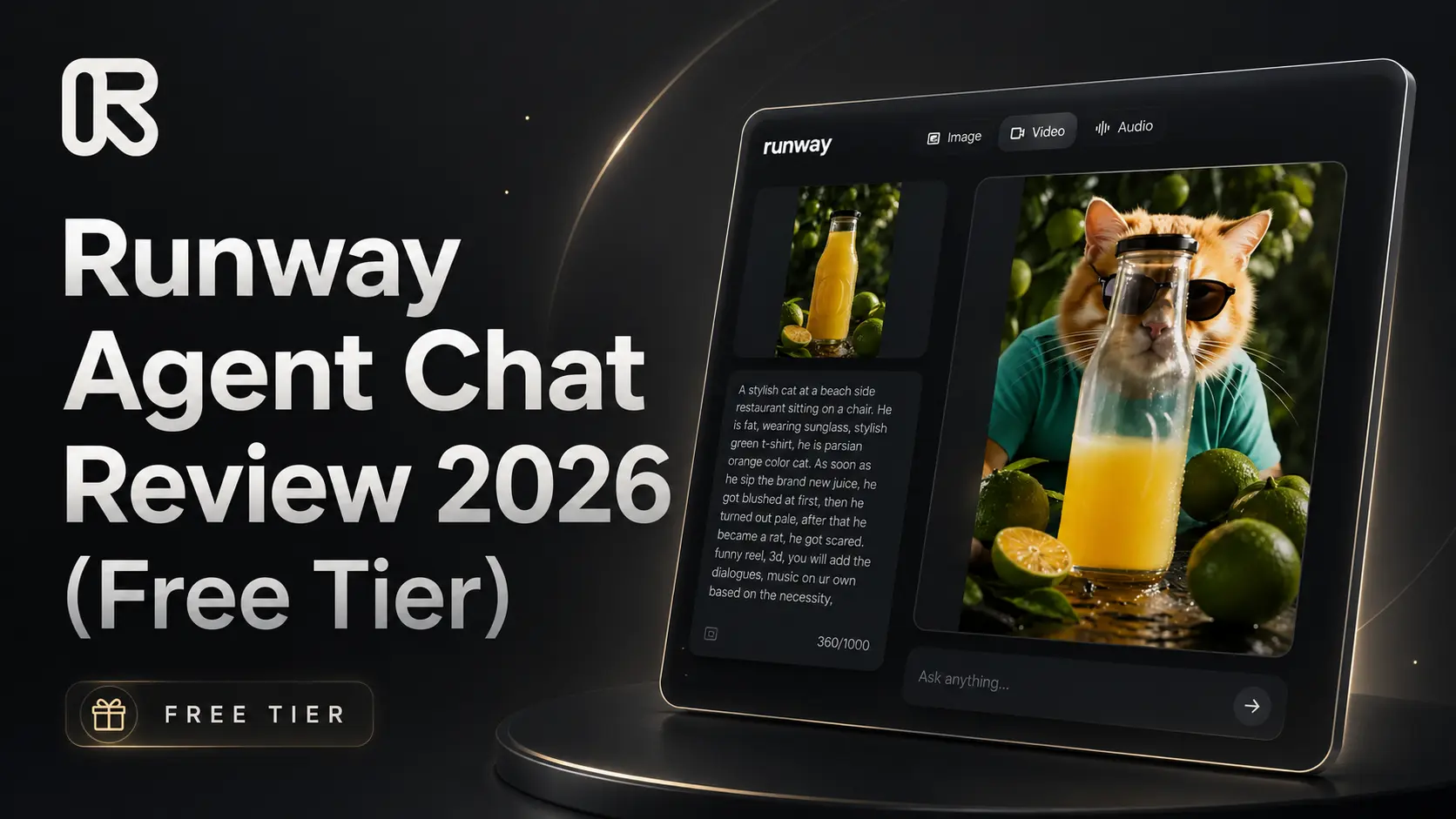
Runway Agent Chat Review 2026 (Free Tier)
Runway Agent looked like one of those AI tools that could either become a creator’s dream or another overhyped shiny button. So I tested it with one simple goal: how much can a free user actually do before Runway starts asking for money?
Runway Agent was introduced on May 13, 2026 as an AI video agent that can turn a simple idea into a multi-shot video. The promise is big. You describe the video, and the Agent helps with the concept, story beats, scenes, voiceover, dialogue, music, and final video structure. In simple words, Runway wants it to feel like you are talking to an AI video director.

My test account started with 500 credits, which honestly felt generous at first. But there is an important thing to know. Runway’s official Free plan currently shows 125 one-time credits, not 500. These free credits do not renew after they are used. So if you open a normal free account, you should expect the official free limit, not the bigger credit amount I saw in my account.
The first impression was actually good. Inside Runway Agent, I could choose the tone and adjust things like video ratio, duration, resolution, and audio. The interface felt clean and beginner-friendly. It did not feel like an old-school editing tool where you need to understand a hundred buttons before making anything.
Then I gave it a messy prompt about a stylish fat Persian cat sitting at a beachside restaurant. The cat was wearing sunglasses and a green T-shirt. After sipping a new juice, he became blushed, then pale, then turned into a rat and got scared. It was a funny 3D reel idea, and I asked Runway to handle dialogues and music on its own.
Here is the part I actually liked. While I was typing the prompt, Runway Agent understood that I had mentioned a character, a product, and a place. It automatically created visual reference boxes for them. So I could add a product image, character image, or location image if I wanted.
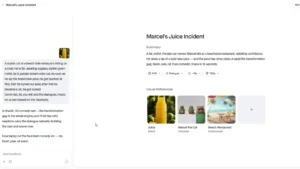
This was smart. It did not force me to upload everything. I only added the juice/product reference image and left the character and place blank. Runway then created the character and beach restaurant idea by itself based on my prompt. This part felt fresh and useful, especially for beginners who do not want to prepare ten different reference files before testing a simple video idea.
But the excitement dropped when the actual result came. The generated visual was not terrible, but it was not impressive either. It looked average. The idea was there, but the quality did not feel strong enough to make me say, “Okay, this is worth paying for immediately.”
Then came the bigger problem. To generate the final video in Agent mode, Runway asked for 548 credits. During the Agent process, around 40 credits had already been used. So even though my account started with 500 credits, I still could not complete the full Agent video generation. That is the harsh truth of this test.
This means the free tier does not really let you complete a proper Runway Agent test from idea to final video. You can explore the interface, create an outline, test some parts, and understand the flow. But when it comes to actually generating the full Agent video, the free experience hits the wall.
After that, I moved to the normal custom video generation section. I uploaded a reference image and used Gen-4 Turbo, because that was the practical free-tier video option available to me. I generated a 5-second video, and it cost 25 credits. The result was average. Not bad, not great. It had a small Runway watermark in the corner, which is expected on the free plan.

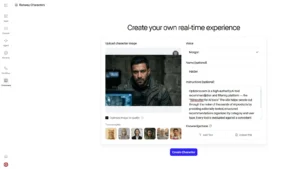
Then I tested Runway Characters. I created a character named Haider using an image. Runway Characters is supposed to turn an image into a talking or interactive character, and the idea is definitely interesting. It even showed that video calls charge 2 credits every 6 seconds.
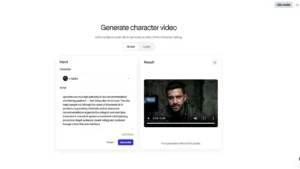
I generated a video with Haider. The voice was actually better than the video. It sounded calm and smooth. But the visual result was weak. The lip-sync did not match properly, and the AI glitches were very visible. Any normal viewer could easily tell that it was AI-generated, and not in a premium way. It looked like a bad AI video, not a polished creator-ready result.
I also tried checking Workflows and Edit Studio with Aleph 2.0. Workflows were not useful for my free-tier test because they are mainly for paid access. Edit Studio looked powerful because it is meant for prompt-based video editing, but when I tried to edit, it pushed me toward subscription. So from a free-tier testing angle, I could not properly test those features either.
Now the pricing part. Runway currently has a Free plan at $0 with 125 one-time credits. The Standard plan starts at $12 per user per month when billed yearly, with 625 monthly credits. The Pro plan starts at $28 per user per month when billed yearly, with 2250 monthly credits. The Unlimited plan starts at $76 per user per month when billed yearly, with 2250 credits plus relaxed unlimited generations in Explore Mode.
So Optizeno final opinion is simple. Runway Agent has a strong idea, a polished interface, and a very smart prompt-to-reference workflow. But the free tier is not enough to properly test the real Agent experience. It feels more like a teaser than a real trial.
And that is a problem. If a company gives free users weaker access and average outputs, the first impression becomes weak too. People subscribe when the first hook impresses them. In my test, Runway Agent made me curious, but it did not fully convince me.
Pros
- Smart reference boxes while typing prompts.
- Good idea for AI video planning.
Cons
- Final Agent generation needed too many credits.
- Generated visuals felt average.
- Character video had obvious AI glitches.
- Lip-sync quality was weak.
- Edit Studio and Workflows felt blocked for free testing.