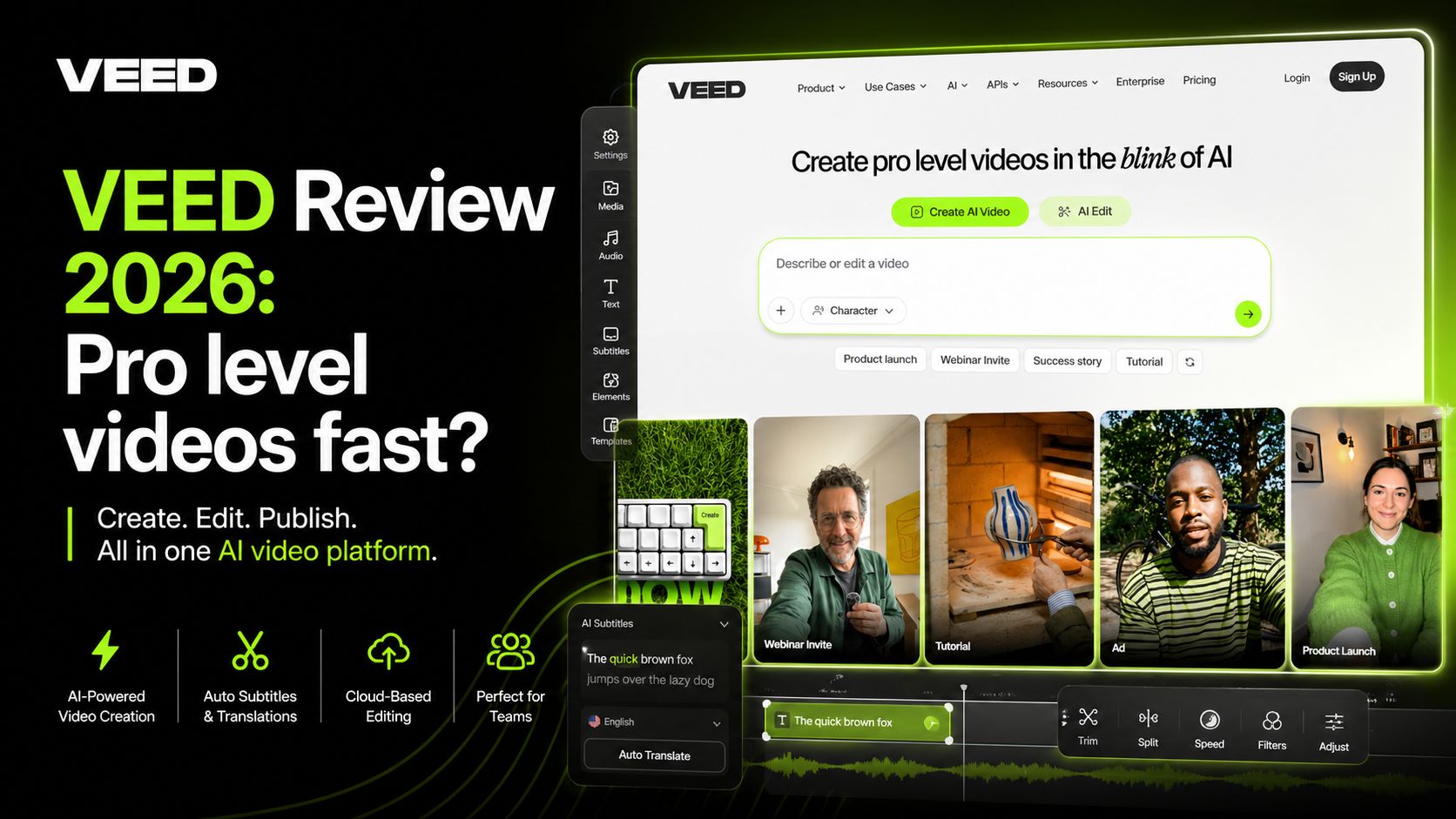
VEED Review 2026: Pro level videos fast?
VEED is a browser-based video editing platform that combines standard editing tools with powerful AI features such as auto-subtitles, AI avatars, text-to-video generation, voice dubbing, eye contact correction, and social media repurposing. It is designed for creators, marketers, educators, agencies, and businesses that want fast video production without learning complex desktop software. Instead of using heavy editing apps, VEED runs directly in the browser and keeps projects in the cloud.
The biggest reason VEED remains popular is speed. Traditional editors often require downloads, file management, rendering delays, and a learning curve. VEED simplifies that process. You upload footage, trim scenes, add captions, use templates, and export quickly. For YouTube Shorts, TikTok clips, ads, training videos, and business content, this workflow is highly practical.
One of VEED’s strongest tools is auto-subtitles. It can generate captions quickly, sync timing, and let users style subtitles for modern social media formats. Captions matter because many viewers watch videos without sound. VEED makes that process much faster than manual editing. The platform also supports subtitle file exports like SRT, VTT, and TXT.
Another standout area is AI video creation. Users can generate videos from text prompts or scripts, add AI voiceovers, create talking-head style content with avatars, and build quick promotional videos. This is valuable for brands that need frequent content but do not have a full production team.
VEED also includes tools like filler-word removal, silence cutting, background noise cleanup, translation, dubbing, and social resizing. These features save serious time for podcasters, coaches, course creators, and social media managers who publish often.
Because VEED is cloud-based, collaboration is easier than many desktop tools. Teams can share projects, review drafts, and work from different devices. That makes it useful for remote companies and agencies.
However, VEED is not built for everyone. If you need cinematic editing, frame-by-frame control, advanced color grading, or Hollywood-style timelines, tools like Premiere Pro or DaVinci Resolve are stronger. VEED focuses on speed and accessibility over deep post-production control.
Performance can also depend on browser speed and internet connection. Large projects or slower devices may occasionally feel heavier than desktop software.
VEED is one of the fastest ways to go from raw footage to publish-ready content. Auto-subtitles are strong, AI tools are practical, and the browser workflow is convenient. It saves time for content-heavy teams.
Advanced editors may outgrow it. Internet dependence can be limiting, and large projects may not feel as smooth as dedicated desktop software.
VEED Best For
- YouTubers
- Social media creators
- Marketers
- Coaches
- Educators
- Agencies and remote teams
Optizeno Final Verdict
VEED is one of the best AI video editors for creators who care about speed, captions, and online workflow. It is not a cinema-grade editor, but for modern content creation in 2026, it is a strong all-in-one platform.
Pros
- Excellent auto-subtitle tools
- Strong AI video features
- Easy browser-based editing
- Great for short-form content
Cons
- Less ideal for advanced filmmaking
- Requires stable internet
- Large projects may feel slower
- Best tools need paid plan