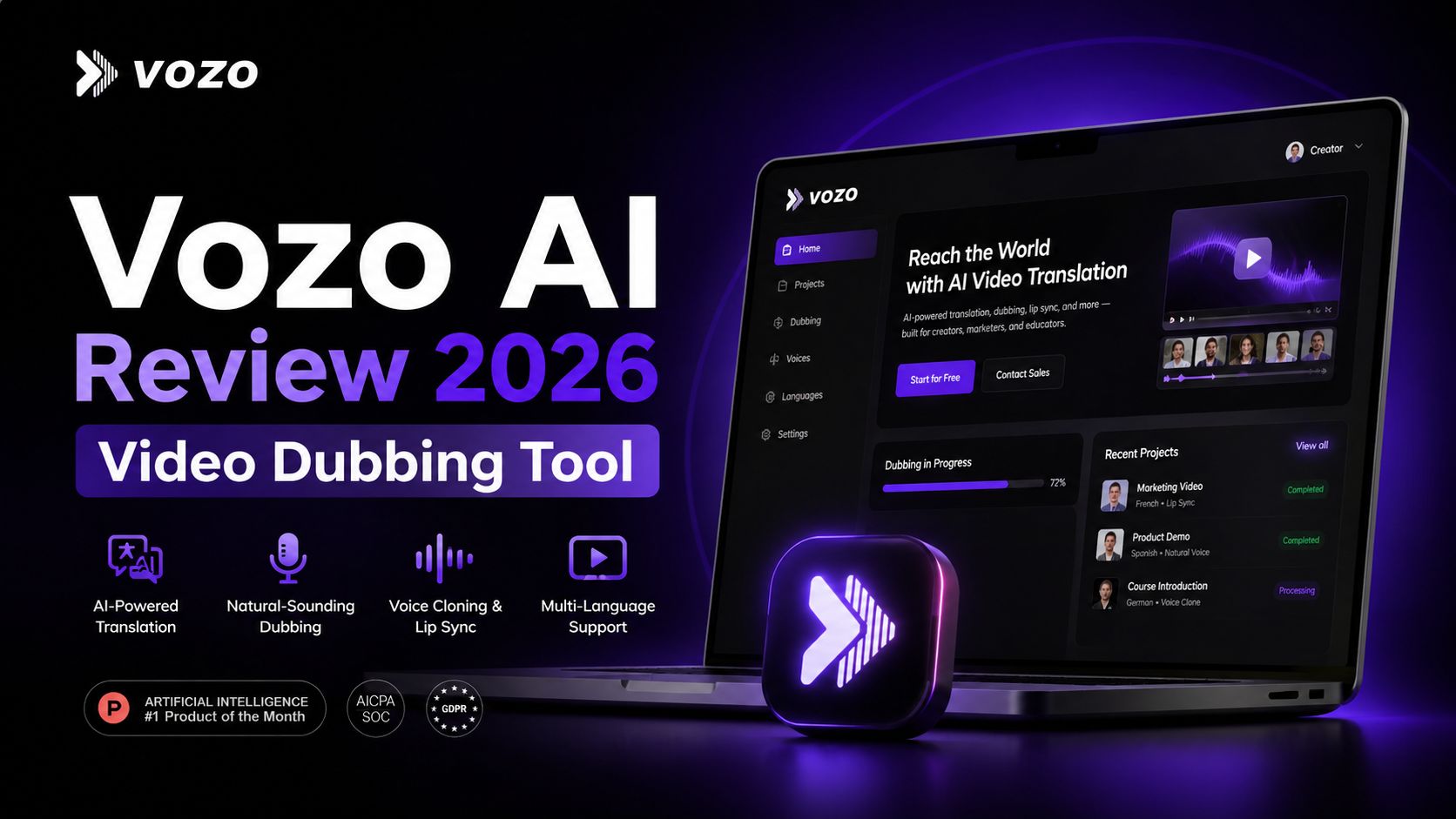
Vozo AI Review 2026 Video Dubbing Tool
Vozo AI is a specialized video localization platform built for creators, businesses, educators, and agencies that need to translate videos into multiple languages quickly. Instead of creating separate videos for every region, Vozo helps turn one original video into multilingual versions using AI dubbing, subtitle translation, lip sync, and voice tools. For brands trying to grow globally, this can save serious time and production cost.
The platform stands out because it focuses on localization instead of generic video editing. Many tools can add subtitles, but fewer can handle translation, realistic dubbing, synced mouth movement, and voice consistency in one workflow. Vozo supports 110+ languages, making it useful for YouTube creators, online courses, product demos, webinars, training videos, and social media content aimed at international audiences.
One of its best features is AI dubbing. You upload your video, choose target languages, and Vozo generates translated speech that sounds more natural than standard robotic text-to-speech systems. It also offers voice cloning options, which help preserve the speaker’s identity and tone. This is especially valuable for personal brands, teachers, and companies that want their translated content to feel authentic.
Lip sync is another major strength. Many translated videos fail because the audio and mouth movement do not match. Vozo fixes this by adjusting facial motion to better fit the new language track. For talking-head videos, interviews, presentations, and educational content, this creates a more professional result. It reduces the awkward feel common in cheap dubbing tools.
The subtitle tools are also useful. Vozo can translate captions and even help with visual translation of on-screen text in some workflows. That makes it practical for tutorial videos, training material, and software demos where labels or interface text matter. Instead of manually rebuilding every scene, users can localize faster.
The dashboard is clean and beginner-friendly. Most steps are guided, so you do not need professional editing experience. Upload, review transcript, choose languages, edit text if needed, and export. This makes Vozo attractive for smaller teams without dedicated video editors.
Pricing is competitive for this category. As of April 2026, Vozo publicly lists a Free plan at $0, a Creator plan at $29/month, and a Studio plan at $99/month. Higher business tiers and enterprise plans are also available for larger teams. The free plan is good for testing, while paid tiers unlock more minutes, longer uploads, faster processing, and advanced tools. Pricing may change, so always confirm on the official site before subscribing.
In real use, Vozo works best for people who already have videos and want to expand reach into new languages. If you run courses, SaaS marketing, eCommerce demos, podcasts, or social channels, it can multiply your content library without filming again.
It is less ideal for users who only need traditional timeline editing or cinematic effects. Vozo is strongest as a localization engine, not a full replacement for advanced editors.
Optizeno says, Vozo AI is one of the stronger choices in AI dubbing and multilingual video translation right now. It combines speed, useful language coverage, clean lip sync, and business-friendly workflows. For anyone serious about global audiences, it is a smart tool to test.
Pros
- Supports 110+ languages
- Strong AI dubbing quality
- Lip sync improves realism
- Good for courses and marketing videos
- Free plan available
Cons
- Not a full advanced video editor
- Better features require paid plans
- Processing time varies by project size