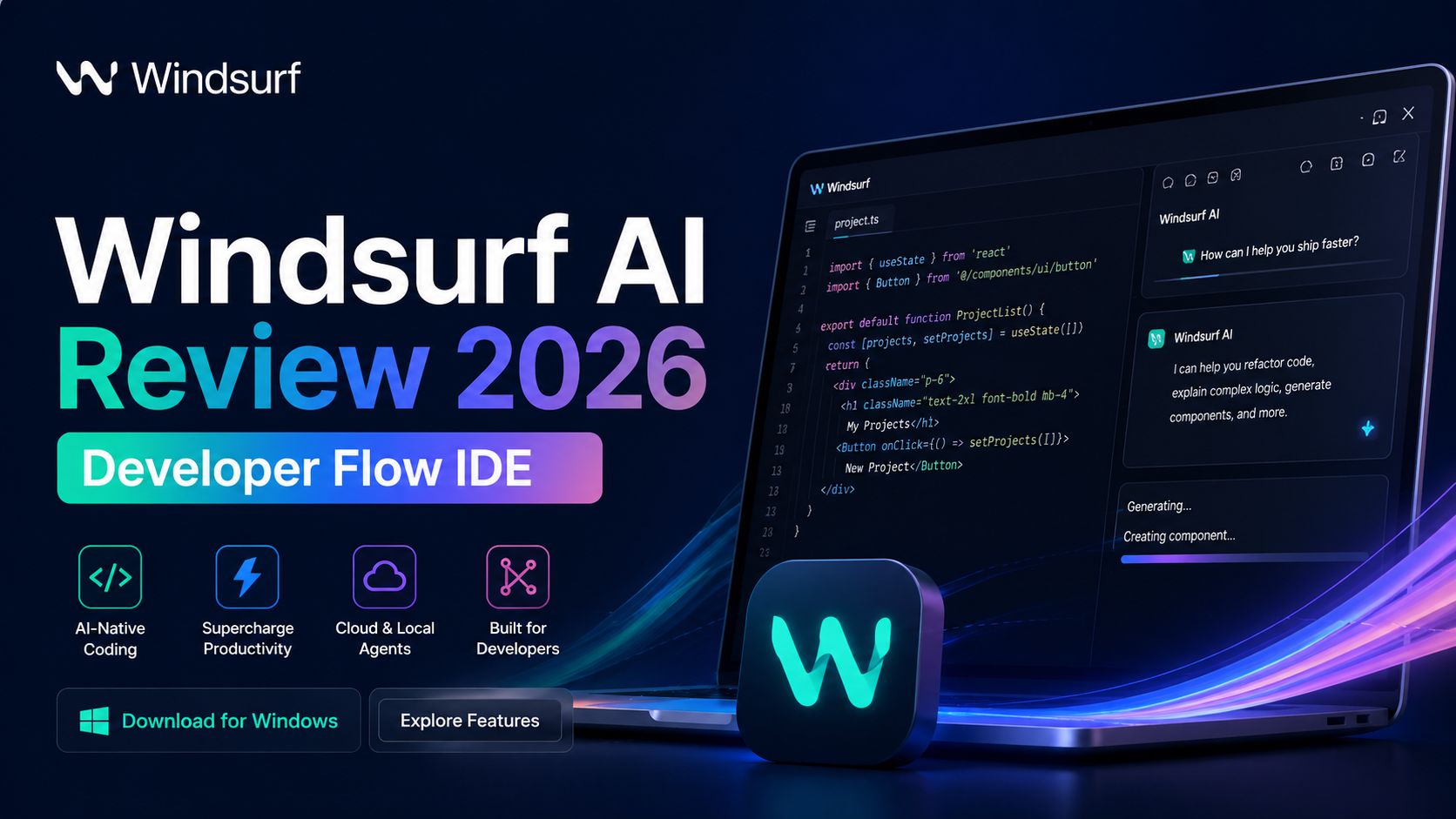
Windsurf AI Review 2026 Developer Flow IDE
Windsurf is one of the fastest-growing AI coding tools in 2026. It is an agentic IDE built for developers who want to stay in flow while writing, editing, debugging, and shipping code. Instead of acting like a simple chatbot inside an editor, Windsurf tries to become an active coding partner that understands your project, handles multi-file changes, and reduces context switching. For solo developers, startups, and engineering teams, it is now a serious alternative to older AI coding assistants.
The main feature is Cascade, Windsurf’s AI agent system. Cascade can inspect multiple files, understand project structure, suggest changes across the codebase, fix bugs, and help with refactoring. This matters because many basic coding assistants only generate snippets. Windsurf aims to understand how the whole project works, which is much more useful for real development work.
Another strong feature is speed. Windsurf is designed to keep developers inside the editor instead of constantly switching between browser tabs, documentation, and external AI chats. It includes autocomplete, inline code editing, terminal commands, previews, and navigation assistance. That workflow can feel smoother than using separate tools. For developers who lose momentum easily, this is one of Windsurf’s biggest strengths.
The editor is available for Mac, Windows, and Linux, which makes it practical for most users. Setup is straightforward, and many developers can start quickly without rebuilding their full workflow. It also supports integrations and MCP tools that connect external services, helping advanced users expand what the AI can do.
Windsurf works especially well for repetitive tasks. Boilerplate code, component generation, bug cleanup, test writing, API integration help, and refactoring jobs become faster. Developers can focus more on architecture and logic instead of spending hours on routine edits.
Pricing has recently changed. As of April 2026, Windsurf officially lists a Free plan for individuals, along with Pro, Max, Teams, and Enterprise options. The company recently announced simplified pricing and a new Max plan for heavy users. It is best to verify current rates on the official pricing page before subscribing.
In real use, Windsurf feels strongest for active developers who code daily. If you are building apps, SaaS products, websites, scripts, or internal tools, it can save time every week. Teams may also benefit from shared workflows and enterprise controls.
It may be less ideal for complete beginners who have never coded before. While AI helps a lot, understanding development basics is still important. It also depends on trusting AI suggestions, which should always be reviewed before production deployment.
According to Optizeno, Windsurf is one of the most capable AI IDEs available right now. It combines agent-based coding help, codebase awareness, fast editing tools, and strong developer workflow design. If you want an AI coding assistant that feels built for serious work instead of novelty, Windsurf is worth testing in 2026.
Pros
- Strong multi-file AI coding agent
- Smooth workflow inside the IDE
- Available on Mac, Windows, Linux
- Helpful for debugging and refactoring
- Free plan available
Cons
- Best value depends on usage level
- AI output still needs review
- Advanced features may take time to learn