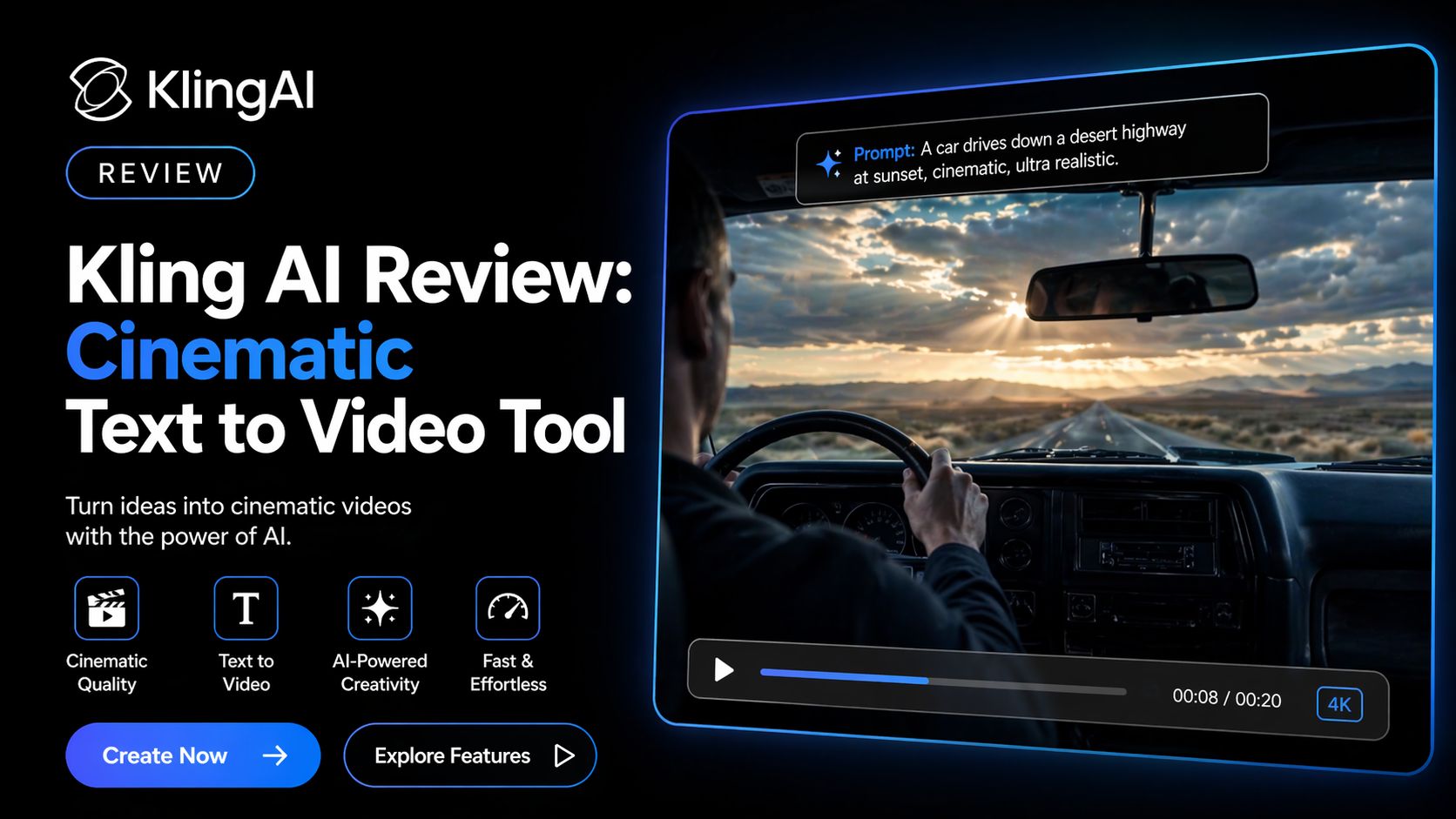
Kling AI Review: Cinematic Text to Video Tool
I tested Kling AI to see whether it deserves the hype around cinematic AI video generation. After using it for text-to-video prompts, image animation, motion scenes, and realistic camera movement tests, I can say one thing clearly: Kling AI is built for creators who care about visual quality more than speed.
Many AI video tools create clips that feel generic or artificial. Kling AI often produces scenes with stronger motion realism, better depth, and more natural physics. That is the reason it has gained serious attention among creators, marketers, and filmmakers.
If your goal is dramatic visuals, story-driven scenes, product ads, or high-end short content, Kling AI is one of the strongest names in this space right now.
My Real Experience Using Kling AI
The first thing I noticed was motion quality.
I tested prompts involving:
- Walking characters
- Flowing water
- Vehicle movement
- Flying camera shots
- Cloth motion
- Cinematic landscapes
- Product reveal scenes
Compared with many basic AI generators, Kling AI handled motion more naturally. Camera movement looked smoother, and objects interacted with scenes better than average.
That matters because poor motion instantly makes AI video look fake.
Kling AI often feels closer to professional pre-visualization than casual AI clips.
Best Features in 2026
Kling AI now promotes itself as a complete AI creative platform with:
- Text-to-video generation
- Image-to-video animation
- AI image generation
- Motion controls
- Cinematic camera moves
- Aspect ratio options
- Higher-resolution exports
- Community inspiration feed
The platform is available on web and mobile apps, which helps users generate content faster.
Where Kling AI Performs Best
After testing it, I think Kling AI is best for:
- Cinematic social media ads
- Product promo videos
- Short films and concept scenes
- Music visualizers
- YouTube intros
- Storytelling content
- Brand campaigns
- AI creative agencies
If you need realistic motion and premium visuals, Kling AI stands out.
Video Quality
This is where Kling AI earns attention.
The tool often creates:
- Better lighting realism
- Stronger scene depth
- More natural movement
- Better camera pans
- Cleaner cinematic atmosphere
It still needs retries like all AI video tools. Not every prompt works perfectly. But when it works, results can look impressive.
That is why many creators use multiple generations until they hit a strong output.
Speed and Workflow
Kling AI is not always the fastest option.
Rendering can take time during busy periods, especially on free plans or lower priority tiers. If speed matters more than cinematic quality, some competitors may feel faster.
But if quality matters first, the wait can be worth it.
Is Kling AI Worth It?
If you care about visual quality, yes.
If you just need fast social clips every day, maybe another faster tool suits you better.
But if your goal is premium-looking AI video content, Kling AI deserves serious consideration.
Final Verdict
After testing Kling AI, I understand why it is respected in the AI video space.
Its strength is not simplicity. Its strength is cinematic output.
For creators who want beautiful motion, realistic scenes, and stronger storytelling visuals, Kling AI is one of the best tools available right now.
That is why it earns a strong place on Optizeno’s top AI video tools list.
Pros
- Excellent cinematic video quality
- Strong motion realism
- Great camera movement generation
- Useful image-to-video tools
- Strong for ads and storytelling
Cons
- Can be slower than competitors
- Credit pricing may confuse users
- Requires prompt skill for best results
- Premium tiers can get expensive
- Needs retries for perfect outputs