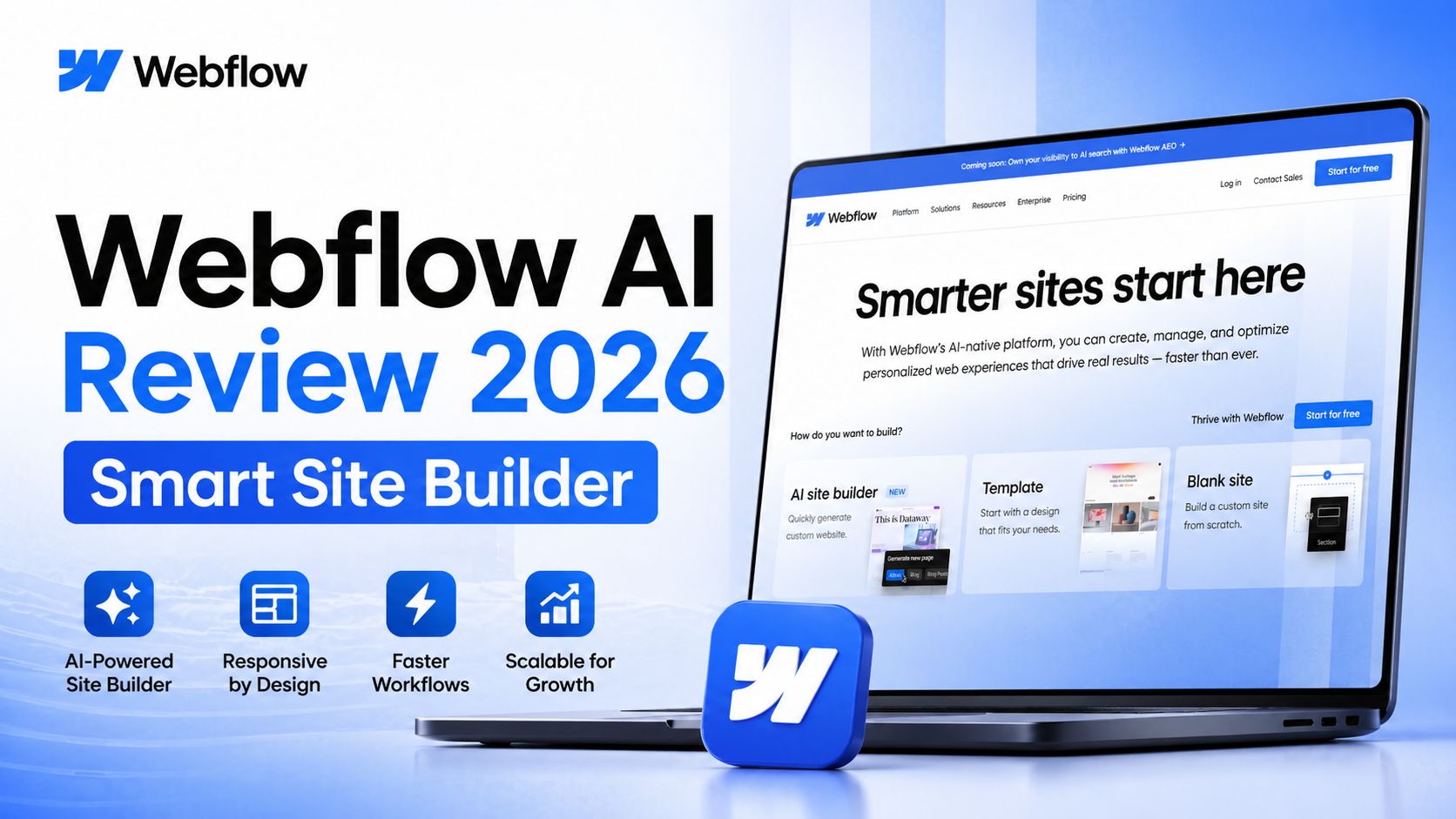
Webflow AI Review 2026 Smart Site Builder
Webflow AI brings artificial intelligence into one of the most respected no-code website platforms on the market. Instead of using AI as a gimmick, Webflow adds practical tools for faster website creation, copy generation, layout building, content editing, and design improvements inside its existing professional builder. For startups, agencies, freelancers, marketers, and businesses, this makes Webflow even stronger in 2026.
The biggest feature is the AI Site Builder. You enter a business idea or short prompt, and Webflow can generate a multi-page website structure with design sections, content, and a reusable system. This saves major setup time compared with building every page manually. Instead of starting from a blank canvas, users get a polished foundation they can customize. It is especially useful for landing pages, SaaS sites, portfolios, agencies, and early-stage startups.
Another strong benefit is AI writing support. Webflow AI can help create headlines, product copy, service descriptions, calls to action, and page rewrites directly inside the editor. That means marketers can adjust tone, shorten text, improve clarity, or refresh outdated copy without switching to another tool. This workflow saves time and keeps teams focused inside one platform.
Design updates are also faster. Users can generate sections, create pages, organize CMS items, and make layout improvements with AI assistance. Because Webflow already has a powerful visual builder, AI feels more useful here than in many basic website generators. You still get strong control over responsiveness, animations, interactions, SEO settings, CMS collections, hosting, and custom code when needed.
For teams, Webflow AI works well because non-designers can contribute. Marketing staff can edit content, launch pages, update CMS posts, and test messaging without waiting on developers. Agencies can prototype faster and present clients with stronger first drafts. Small businesses can launch faster without hiring full coding teams.
Pricing remains flexible. As of April 2026, Webflow’s official pricing page lists a Starter plan at $0, Basic at $14/month, CMS at $23/month, and Business at $39/month when billed yearly. AI access can vary depending on workspace type, site plan, and add-ons such as optimization or localization features. Pricing may change, so checking the official site is recommended before subscribing.
In practical use, Webflow AI performs best for users who want professional websites with room to grow. Unlike many simple AI builders, Webflow can scale into advanced marketing sites, blogs, brand sites, and content-heavy projects. You are not boxed into a beginner-only system.
There is still a learning curve. New users may need time to understand Webflow’s structure, classes, CMS logic, and responsive controls. It is easier than coding from scratch, but more advanced than ultra-simple drag-and-drop builders.
Optizeno depicts, Webflow AI is one of the smartest AI website tools available today because it combines real design power with useful automation. It helps users build faster while keeping professional control. If you want an AI website builder that can grow with your business, Webflow AI is one of the best choices in 2026.
Pros
- Powerful AI site builder
- Strong visual design control
- Built-in CMS and hosting
- Great for agencies and startups
- AI copy tools save time
Cons
- Learning curve for beginners
- Some AI features depend on plan level
- Higher costs for larger teams
- More complex than simple builders