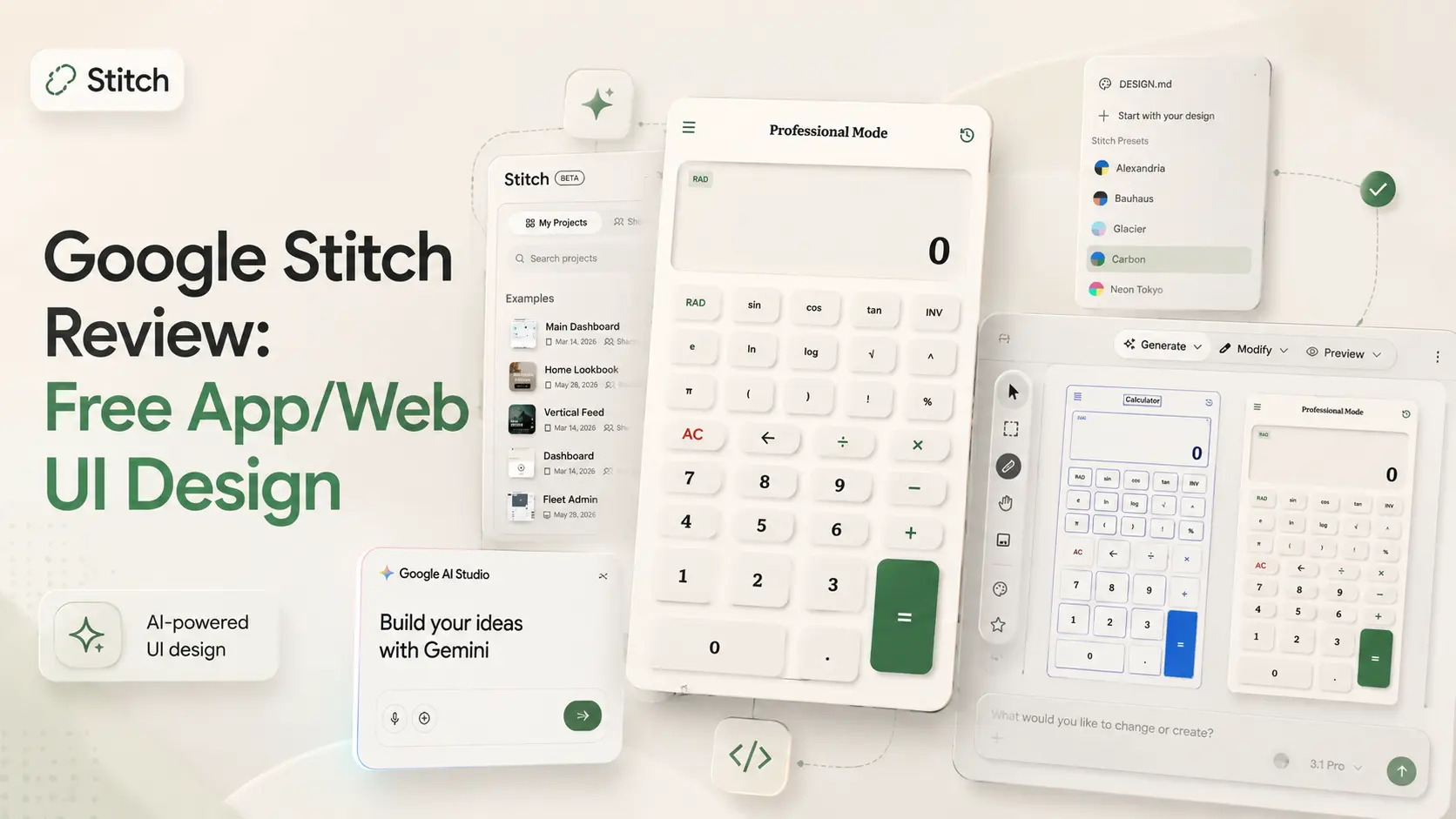
Google Stitch Review: Free App/Web UI Design
Google Stitch is still in beta. So I did not enter this test expecting a perfect final product. But beta or not, the tool looked interesting enough to dig in and give Optizeno readers a valuable review.
The first thing I noticed was the interface. At first glance, it looked similar to many AI agent chat tools. You get a prompt area, you write what you want, and the AI starts working. But Stitch is more design-focused than a normal AI chat.
There is a DESIGN.md section, and there are plenty of preset design styles with specific color combinations. You can also create your own design style, which is useful if you want a more custom brand look instead of using the default feel.
For my test, I selected the Carbon & Terra design style.
Then I used a very simple prompt:
“Making a scientific calculator app functional.”
At first, I honestly thought Google Stitch was a full app developer. I thought it would build a complete app directly. Later, I understood the real purpose better. Stitch is mainly for making UI designs, prototypes, and app or web interface concepts.
So it is more reasonable to compare it with something like Figma, but automated with AI. The big difference is that Stitch does not demand hard design talent from the user. You do not need to manually create every layout, button, spacing, and visual direction. You describe what you want, choose a design style, and let the tool generate the first version.
After I submitted the prompt, it took around 3 to 5 minutes to create the result.
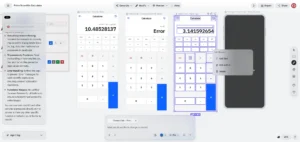
The calculator UI looked good. But Not Perfect. It had a clean layout, proper buttons, and a modern design feel. This was not just a random ugly screen. Small UI bad part is also seen.
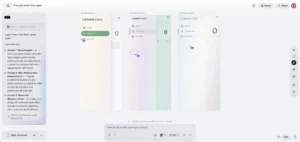
The funny part is that the app was almost functional.
Because a calculator is a very simple and straightforward app, Gemini seemed to handle the logic by itself. This gave the calculator special treatment. If I had tested a complex app with backend, user accounts, database, payment, or admin panel, I do not think Stitch alone would handle everything in the same way.
But for this simple calculator test, the result was better than I expected.
Then I tested the calculator properly.
Most basic inputs worked. The buttons responded. The design looked clean. But when I tried something like sin45, it showed an error. That was the first real weakness I found.
This was important because it proved that Stitch can create something that feels functional, but the logic still needs checking. A design can look beautiful and still fail in small practical areas.
After that, I complained about the error, and the tool fixed it. That part was actually impressive. It did not just leave me stuck with a broken result. It understood the problem and improved the calculator after feedback.
Then I thought the test was basically over.
But when I looked at the export options, I saw a lot more than I expected. Stitch showed export choices like Figma, Google AI Studio, MCP, Netlify, Lovable, ZIP, copy to clipboard, and more.
I clicked the default option, because Google AI Studio was shown as the default path.
At first, I got confused. I thought, “Why is it creating the app again? I already made the app inside Stitch.”
Later, I understood the workflow.
Stitch is where the UI design and prototype idea starts. Google AI Studio is where the actual app-building side becomes more serious. That means Stitch is not really the final full app builder. It is the place where you shape the interface, test the idea visually, and then move it to another platform if you want to build more seriously.
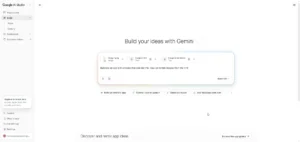
After moving through that workflow, the calculator result was good overall. The UI design looked nice. The basic functions worked. The experience felt smooth enough for a simple app test. You can look at the screenshots.
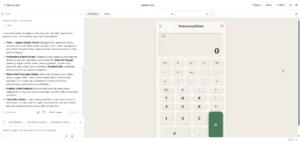
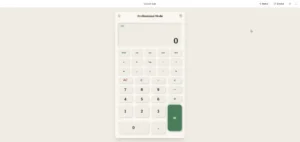
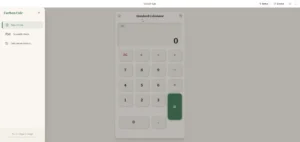
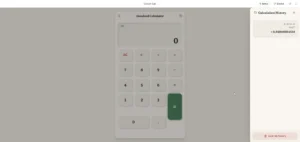
But it was not perfect.
One thing I did not like was the input flexibility. Suppose I enter a large number and then want to place another digit in the middle. There was no easy button to move left or right. I had to rewrite the number. I did not mention this in my prompt, so I cannot fully blame the tool. But from a high-end AI product, this kind of common calculator behavior is something I expected.
That is my main feeling about Google Stitch.
It is powerful, but you still need to guide it. It can produce clean UI. It can make a simple prototype feel almost functional. It can fix some mistakes after feedback. But it is not magic, and it is not a complete professional app developer by itself.
As of May 29, 2026, Google Stitch is available through Google Labs. It is still in beta. The official public site does not show a normal paid subscription plan. So the current pricing model is free access with limits.
For people interested in zero-code app creation, Stitch is absolutely worth testing. If you want to create quick app mockups, client demos, product ideas, UI concepts, or simple app prototypes, this tool can save time.
My final review is positive.
Google Stitch is not a full Figma replacement yet. It is also not a full app builder by itself. But for fast UI design, app prototyping, and zero-code idea testing, it is genuinely useful. If you want to earn quick money by creating simple app concepts or UI demos, you can absolutely take help from this free service.
Pros
- Easy to start.
- Free to use.
- Has design style presets.
- Supports custom design direction.
- Good for quick UI prototypes.
- Direct easy export options.
Cons
- Not perfect.
- You might need to rely on variations.
- Can't rely on one perfect ui design.