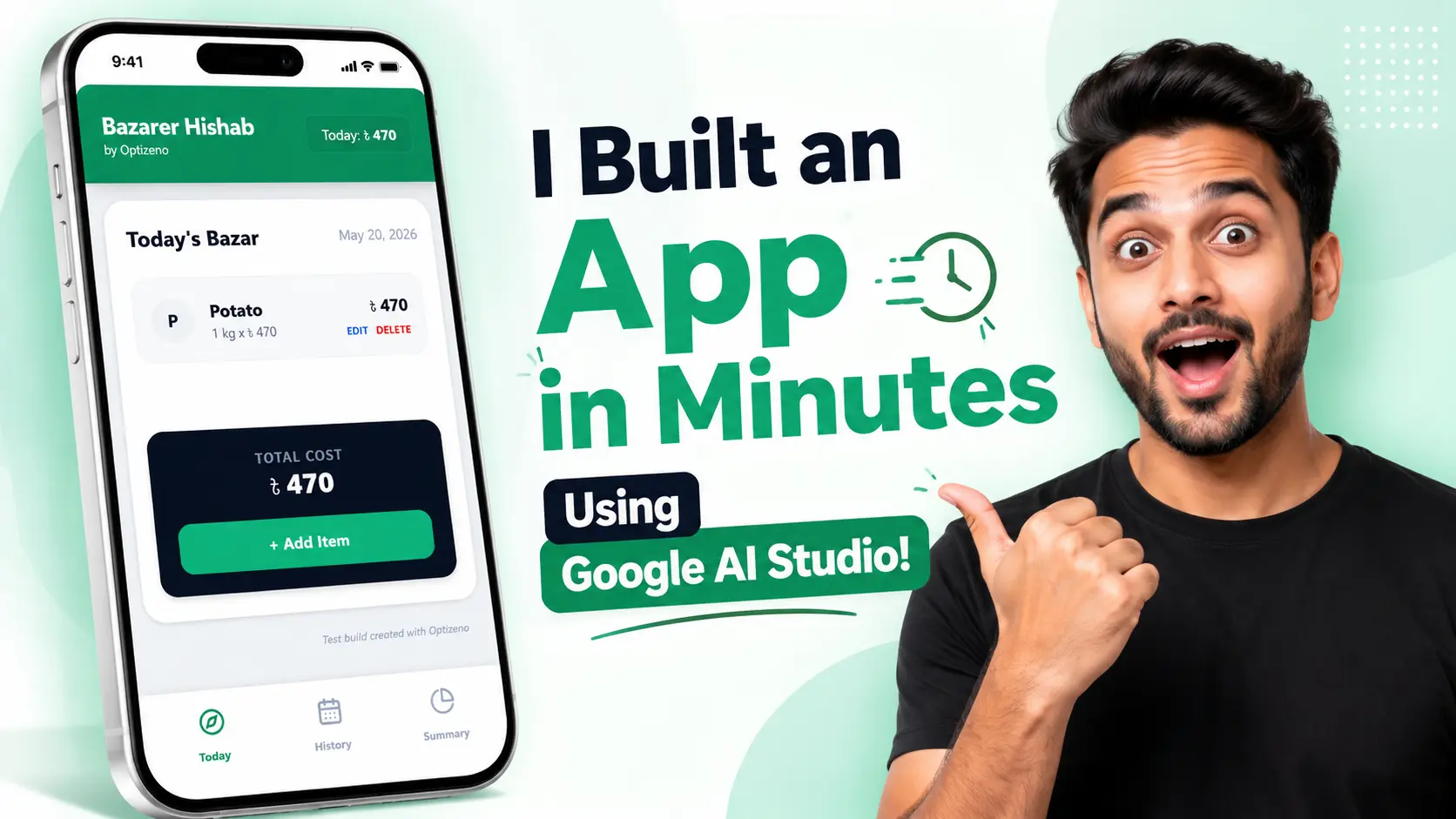
I Built an App in Minutes Using Google AI Studio!
Google AI Studio Apps is Google’s new app-building workspace inside AI Studio. It lets users turn simple text prompts into working app prototypes with a live preview, generated code, and a chat-style build flow. Officially, Google says AI Studio can be used to build web apps and native Android apps through natural language prompting, including support for Kotlin and Jetpack Compose in its Android app-building direction.
For this review, I tested it with a simple local-use app idea called Bazarer Hishab by Optizeno. The goal was clear: build a daily bazar expense tracker for Bangladeshi users. The app needed item entry, quantity, unit, price, total cost, category, history, summary, offline use, and clean mobile UI.
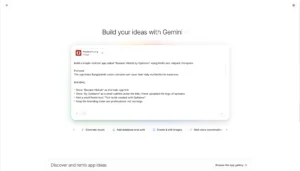
The starting experience was smooth. Google AI Studio’s interface was easy to understand. I found the app-building area without much trouble. After entering the prompt, AI Studio created multiple design previews. That part felt very useful because I was not forced to accept one random layout. I selected the more professional-looking design, and the workspace moved into the build stage.
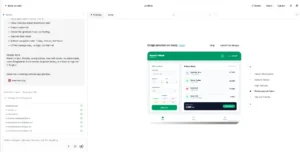
The best part was the layout of the working area. On one side, Gemini showed live updates like what it was creating and changing. On the larger side, I could see the app preview. The code view was also available from the same workspace. This made the whole process feel simple, even for someone who does not want to open a full local development setup.
The final result was honestly better than expected. The app had a clean green header, the title Bazarer Hishab, the small by Optizeno branding, a Today screen, Add Item form, History page, and Summary page. The UI looked polished. It did not feel like a broken AI demo. The spacing, cards, buttons, and bottom navigation were all visually good.

Functionality also worked well in the mini app test. I added an item, selected the category, entered quantity and price, and the item appeared in the list. The History screen showed the saved bazar day. The Summary screen showed the total spend and category spend. In my test, I intentionally used Other as the category, so the Summary showing Other was not a mistake.
There were still a few limitations. First, my prompt asked for Kotlin and Jetpack Compose, but the available build option in my workspace was React. So even though Google is moving AI Studio toward Android app creation, my actual test experience worked more like a React-based mini app builder. That is not a prompt problem. That is a current tool-access limitation in the workspace I used.
Second, I uploaded the Optizeno logo and expected the tool to use it automatically. It did include the Optizeno name as text, but it did not place the logo in the app UI. To be fair, I did not clearly command it to use the uploaded logo. Still, a smarter builder should understand uploaded branding assets better.
Third, the top Today: ৳470 amount did not update instantly after adding the item. It updated after refreshing. I am not treating this as a serious tool failure yet, because my prompt did not clearly ask for live dynamic state updating. A better prompt may fix this.
As of May 20, 2026, Google AI Studio is usable on a free tier for testing, while Gemini API usage has free and paid tiers depending on model and rate limits. Google’s billing docs say new accounts begin on the Free Tier, and Google’s pricing page lists free-tier access for supported Gemini models, with paid API pricing applying when users move beyond free limits.
Overall, Google AI Studio Apps feels excellent for fast prototypes, product ideas, UI testing, and beginner-friendly app experiments. It is not something I would call a finished Android production builder yet, especially when the available workspace still depends on React. But for building a clean working app idea in minutes, this is one of the most impressive free AI tools I have tested recently.
Pros
- Easy app-building interface.
- Multiple design previews.
- Clean live preview area.
- Code view is available.
- Good UI quality.
- Useful for fast prototypes.
- Free tier available for testing.
Cons
- React was the only available build option in my test.
- Kotlin and Jetpack Compose were not available in my workspace.