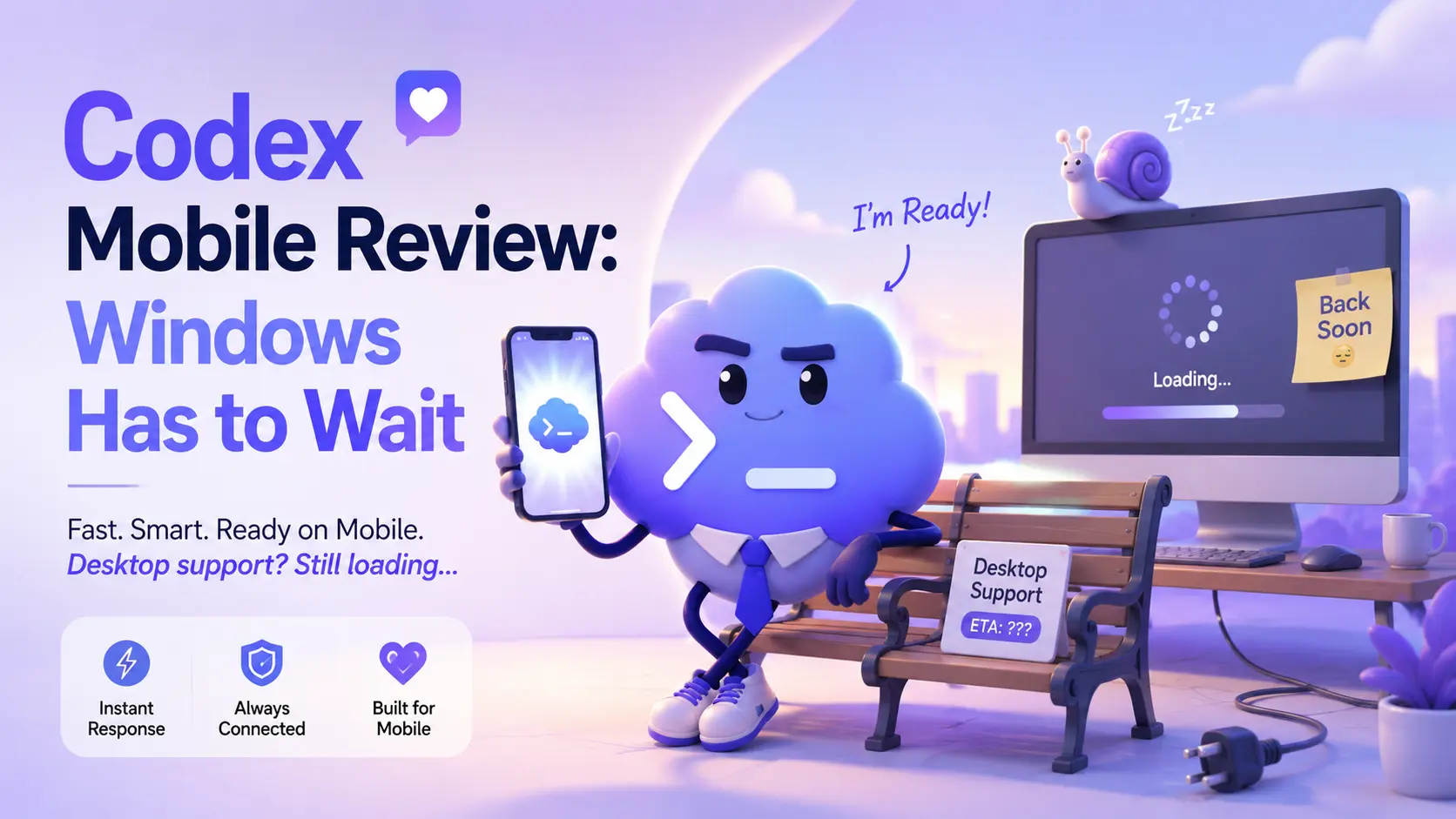
Codex Mobile Review: Windows Has to Wait
Codex Mobile sounds like the kind of feature developers have wanted for years. The idea is simple. You start or manage coding work from your phone, while Codex keeps running on another machine.
In the ChatGPT mobile app, Codex can help you continue a coding thread, answer questions, approve actions, review outputs, and guide the task without sitting at your desk. OpenAI launched this mobile preview on May 14, 2026, and Codex already has strong demand because millions of people use it every week.

What makes Codex interesting is that it is not just a normal chatbot for code. It is an AI coding agent made to help users build, fix, test, and ship software. It can work on features, refactors, bugs, and longer coding tasks. That makes the mobile version feel powerful because you are not just chatting with AI from your phone. You are staying connected to real development work.
The best part of Codex Mobile is convenience. Suppose Codex is working on a bug fix and reaches a decision point. Instead of waiting until you return to your computer, you can check your phone, review the issue, approve the next step, or change direction. For developers, students, and startup builders, that sounds very useful.
But here is the important part Windows users need to know.
Right now, the full Codex Mobile remote workflow is not equally ready for Windows users. OpenAI says Codex remote access in the ChatGPT mobile app currently works while Codex continues running on a connected Mac host. The mobile app can show live context from that machine, including project context, approvals, terminal output, screenshots, diffs, and test results. But the setup still depends on Codex running on macOS.

That is where many users may get confused.
OpenAI also lists the Codex desktop app as available for both macOS and Windows. So yes, Codex itself is available on Windows. But the mobile remote-access workflow is not the same thing yet. If you have a Windows laptop and an Android phone, you may expect the full “phone controls computer coding session” experience to work smoothly. At the moment, that is not the case.
This is why the title matters: Windows users still have to wait.
For Mac users, Codex Mobile already looks useful. It can help them stay close to active coding work while away from the desk. It is especially helpful for longer tasks, approvals, and quick decisions. For teams using remote environments, the feature also makes sense because Codex can keep running while the phone works like a control panel.
For Windows users, the story is different. The idea is exciting, but the current limitation makes it feel unfinished. A lot of developers, learners, and creators use Windows with Android phones. These are the exact people who may search for this feature, try it, and wonder why the full mobile workflow is not working for them.
So, is Codex Mobile worth it?
Yes, but mostly for the right user. If you use a Mac and already work with Codex, this mobile feature can save time and keep your coding tasks moving. It feels modern, useful, and practical.
But if you are a Windows and Android user, this is not the perfect mobile coding dream yet. You can still use Codex on Windows, and you may see Codex features in ChatGPT mobile, but the full remote mobile workflow still favors Mac.
For Optizeno, the final take is simple. Codex Mobile is a smart release with a strong future. It shows where AI coding is going. But right now, Windows users should not expect the same smooth mobile-to-desktop experience that Mac users get.
For now, Codex Mobile is real. The idea is strong. But Windows users still have to wait.
Pros
- Useful mobile control for coding tasks.
- Good for approvals and quick decisions.
- Helps keep long coding tasks moving.
- Strong for Mac users.
- Backed by OpenAI and ChatGPT.
- Free users get limited Codex access.
Cons
- Full mobile remote access currently favors Mac.
- Windows users may feel confused.
- Android plus Windows is not fully ready yet.
- Setup is not as simple as the headline sounds.
- Business Codex pricing can feel complex.