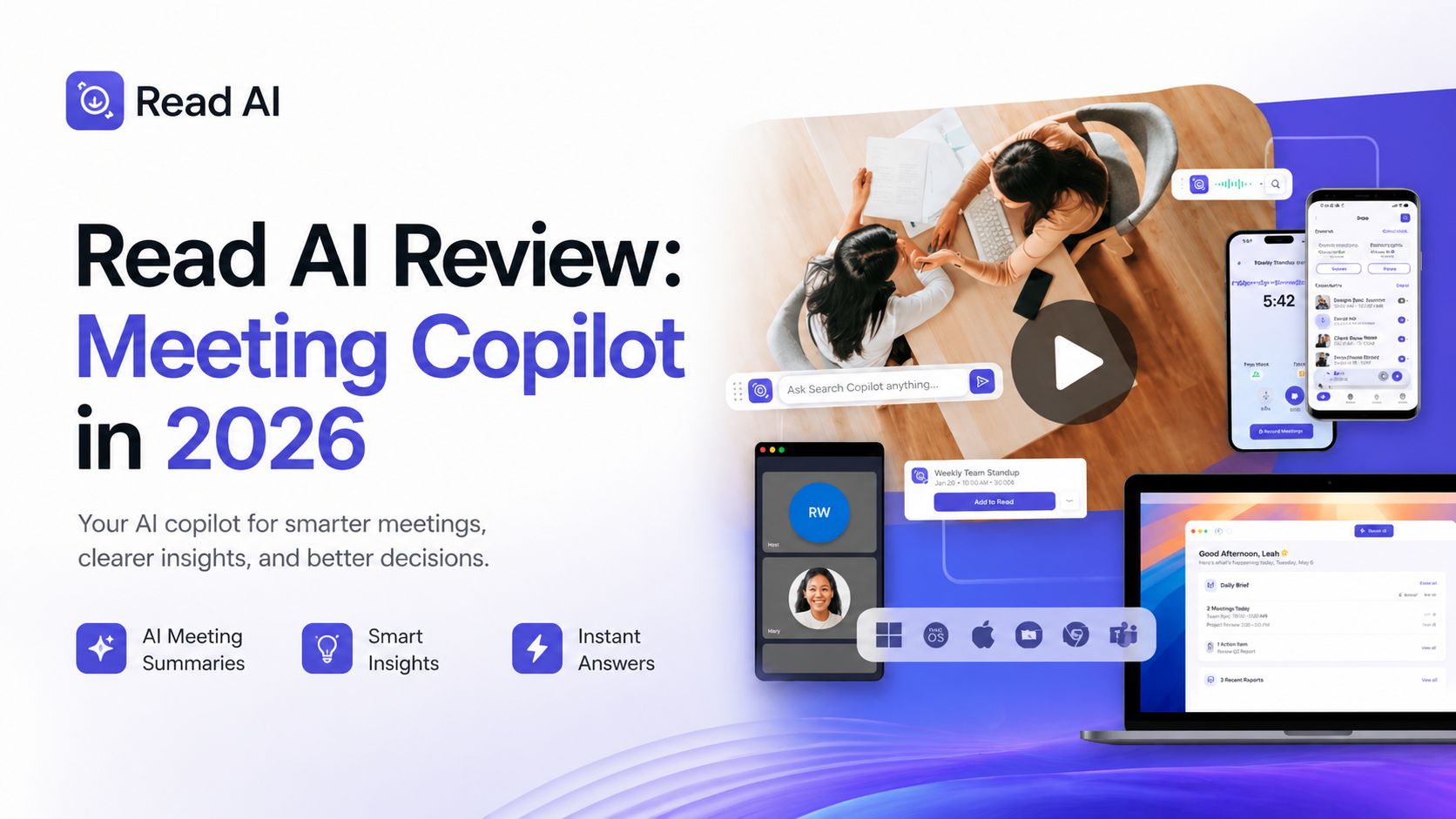
Read AI Review: Meeting Copilot in 2026
Read AI has grown beyond a simple meeting note taker. It now positions itself as a full productivity copilot that summarizes meetings, emails, and messages while helping teams turn conversations into action. For busy professionals who spend hours in calls every week, it can remove a lot of manual work.
After testing its workflow and current feature set, Read AI feels strongest in one area: turning scattered communication into clear next steps. Instead of only giving transcripts, it creates structured summaries, action items, searchable insights, and follow-up context. That makes it useful for managers, sales teams, recruiters, founders, consultants, and remote teams that depend on constant meetings.
The core meeting assistant joins Zoom, Google Meet, and Microsoft Teams calls, records discussions, generates transcripts, highlights decisions, and creates recap notes quickly after meetings end. Speaker identification and topic segmentation are useful because they make long calls easier to review later. Instead of rewatching a full hour meeting, you can jump straight to important moments.
One feature that stands out is Search Copilot. This allows users to search across meetings, emails, chats, and connected workflows from one place. That solves a common problem inside companies where useful information is hidden across many apps. If someone discussed pricing three weeks ago in a call or approved a task by email, Read AI can surface it faster than manual searching.
Read AI also includes coaching and meeting analytics. It can track talk time, pacing, participation balance, and speaking habits. For team leaders or people who present often, this adds value beyond note taking. It helps improve communication over time rather than only storing meeting history.
Pricing as of April 2026 starts with a Free plan. That includes 5 meeting transcripts monthly, summaries, and search tools. Paid plans generally begin around $15/user/month billed annually or $19.75 monthly for Pro, with higher business and enterprise tiers offering more storage, compliance, recordings, and advanced integrations.
The platform integrates with tools like Slack, Notion, HubSpot, Salesforce, Jira, and more. This matters because summaries become more useful when they flow directly into the tools teams already use. Instead of copying notes manually, follow-up tasks can move into real systems faster.
However, Read AI is not perfect. Some users dislike bot-based meeting join behavior and prefer silent background tools. There are also mixed public reviews around permissions, onboarding flow, and trust concerns. That means privacy-sensitive users should carefully review permissions before connecting calendars or communication tools.
Still, if judged mainly by productivity value, Read AI is powerful. It saves time, improves recall, reduces admin work, and helps teams act faster after meetings. For companies drowning in calls and scattered communication, it can be a smart investment.
Overall, for Optizeno, Read AI is one of the more feature-rich meeting copilots available in 2026. It is best for users who want summaries plus search, workflow automation, and actionable insights in one platform.
Pros
- Strong meeting summaries and transcripts
- Search across meetings, emails, and chats
- Useful action items and follow-up insights
- Works with Zoom, Meet, and Teams
Cons
- Bot joining meetings may not suit everyone
- Free plan has limited monthly transcripts
- Advanced features need paid plan