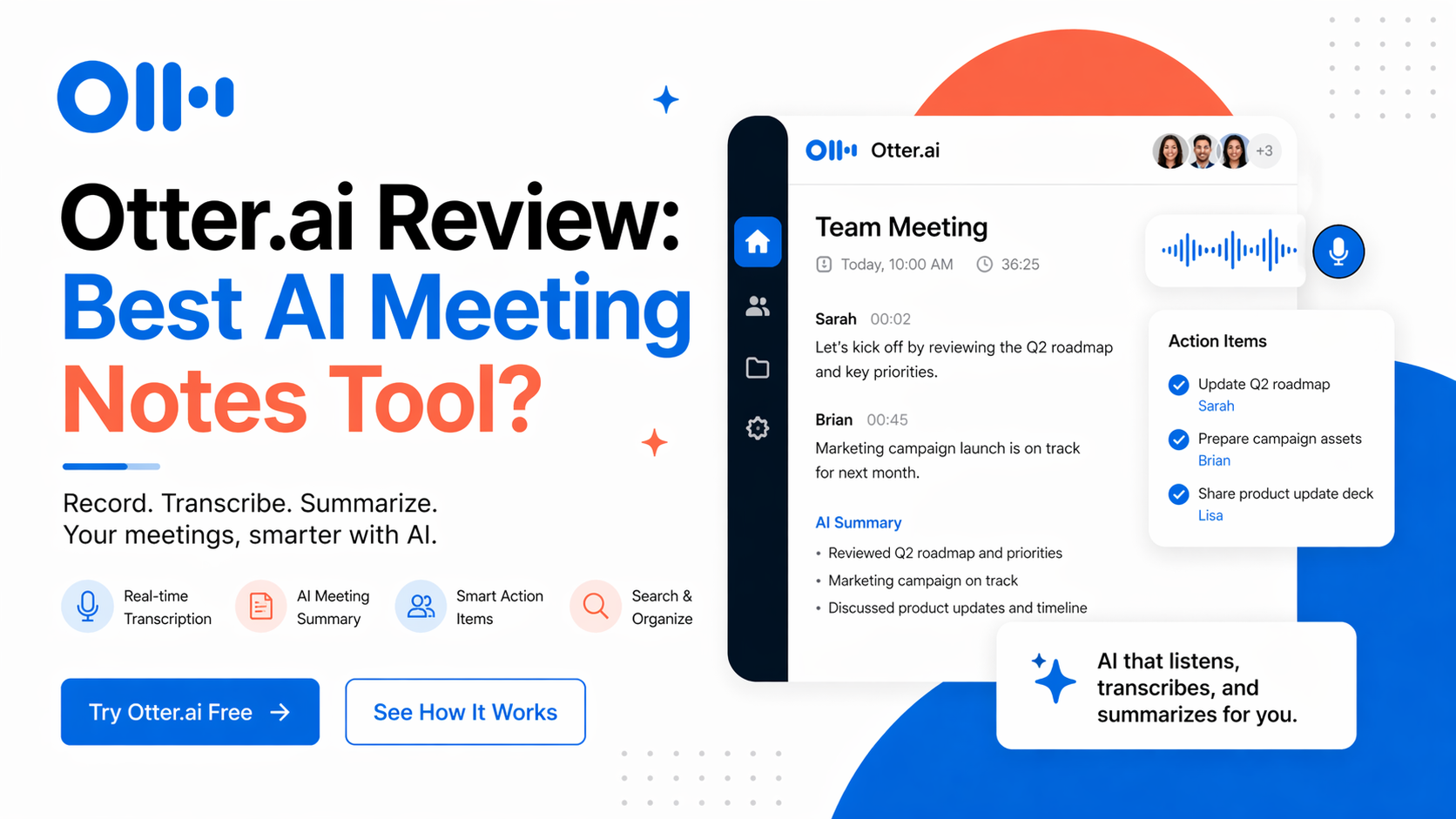
Otter.ai Review: Best AI Meeting Notes Tool?
I tested Otter.ai again in 2026 to see if it still deserves its strong reputation as one of the best AI meeting assistants. If you attend many Zoom, Google Meet, or Microsoft Teams calls, this tool can save real time. It records meetings, transcribes speech live, creates summaries, and lets you search past conversations in seconds.
After using it for meetings, interviews, and voice notes, I can say this clearly: Otter.ai is still one of the easiest meeting productivity tools available today.
It is built for people who need accurate notes without typing everything manually.
What Otter.ai Does
Otter.ai joins meetings or records audio directly. It then converts speech into text, separates speakers, highlights key moments, and creates automatic summaries.
Instead of rewatching a one-hour meeting, you can quickly scan notes, search keywords, or jump to important timestamps.
That alone makes it useful.
My Real Experience Using It
I tested Otter.ai in live calls and uploaded recordings. Setup was simple. It connected easily with major meeting platforms.
During meetings, transcription appeared in real time. Speaker labels were mostly accurate when voices were clear. After the meeting ended, Otter generated a summary with action points and major topics.
This was helpful because I did not need to re-listen to everything.
The search feature is one of its strongest benefits. I could type one keyword and instantly find where it was discussed weeks earlier.
For busy teams, founders, students, journalists, consultants, and remote workers, that is powerful.
Best Features I Noticed
1. Live Meeting Transcription
Words appear while people speak. Good for note-taking and focus.
2. AI Summaries
Otter creates quick meeting recaps, saving time after long calls.
3. Searchable Notes
You can search names, tasks, dates, or topics across many meetings.
4. Speaker Identification
Useful for interviews, team meetings, and group discussions.
5. Integrations
Works with Zoom, Google Meet, Microsoft Teams, Slack, and more.
Who Should Use Otter.ai?
Otter.ai works best for:
- Remote teams with many weekly meetings
- Founders and managers
- Students attending lectures
- Journalists doing interviews
- Recruiters and HR teams
- Consultants handling client calls
- Anyone who forgets meeting details
If your calendar is full of calls, this tool can save hours monthly.
Who Should Skip It?
If you rarely attend meetings, it may be unnecessary.
Also, if your calls contain highly sensitive information, always review company privacy policies and permissions before recording conversations.
Accuracy Performance
For clear English audio, results were strong. Most sentences were readable with minor corrections needed.
Like all transcription tools, accuracy drops with:
- Strong accents
- Fast overlapping speakers
- Background noise
- Weak microphones
- Technical jargon without custom vocabulary
Still, for normal business meetings, it performs well.
Latest Pricing (Checked April 2026)
Otter.ai currently uses a Freemium model.
Basic Plan – Free
- 300 transcription minutes monthly
- Limited imports
- Good for testing and light use
Pro Plan
- $16.99/month monthly
- Lower annual pricing around $8.33/month equivalent
Business Plan
- $30/user/month monthly
- Lower annual pricing around $19.99/user/month
Enterprise Plan
- Custom pricing for larger teams
Pricing and limits may change anytime, so confirm on official site before purchase.
Is Otter.ai Worth Paying For?
If you join meetings daily, yes.
One missed detail in a client call or team meeting can cost more than the monthly fee. Otter reduces note-taking stress and helps teams stay aligned.
For casual users, the free plan is enough to test first.
Optizeno Honest Verdict
Otter.ai remains one of the best meeting assistant tools because it solves a real problem: people waste time taking notes and forgetting decisions.
It is simple, polished, and reliable for most professionals.
The biggest strength is not transcription alone. It is the combination of summaries, searchable history, and workflow speed.
If your work depends on meetings in 2026, Otter.ai is still a strong choice.
Pros
- Fast and reliable meeting transcription
- Excellent searchable note archive
- Helpful AI summaries
- Strong integrations with major meeting apps
- Easy setup for teams and individuals
- Saves time after meetings
Cons
- Accuracy drops with noisy audio
- Best features require paid plans
- Speaker labels may need edits sometimes
- Less useful for users with few meetings
- Internet connection matters for live use