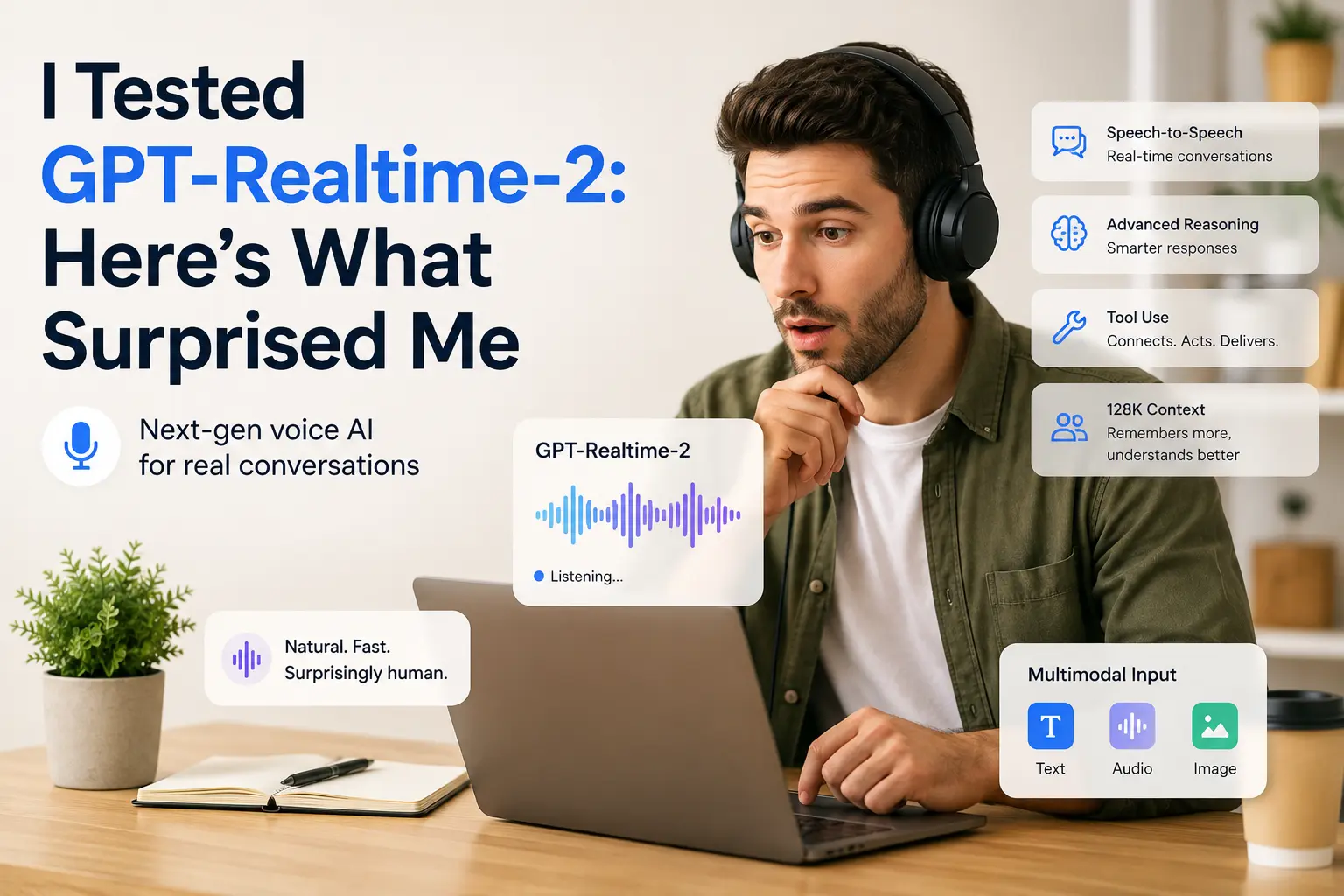
I Tested GPT-Realtime-2: Here’s What Surprised Me
GPT-Realtime-2 is OpenAI’s newest realtime voice model for developers who want to build smarter voice agents, not just basic chatbots. It is built for live conversations where the AI has to listen, respond, use tools, handle interruptions, and remember what happened earlier in the call.
The biggest upgrade is context. GPT-Realtime-2 supports a 128K context window, which gives it much more room to follow longer conversations. That matters in real use cases like customer support, booking calls, sales calls, field-service help, or personal assistants connected to calendars and CRMs.
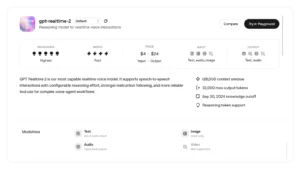
In simple words, this model is not made for casual users who just want to talk inside ChatGPT. It is an API model. Developers use it to create their own voice experiences inside apps, websites, support systems, or business tools.
The model supports speech-to-speech interaction. That means it can listen to audio and respond with audio, without forcing everything through a slow text-only workflow. It can also accept text and image input, which makes it useful when a voice agent needs to understand extra context like a document, screenshot, product image, or written instruction.
One of the strongest parts of GPT-Realtime-2 is its reasoning control. Developers can adjust the reasoning effort depending on the task. A simple support bot can stay fast. A more serious workflow, like insurance support or technical troubleshooting, can use deeper reasoning for better answers. The trade-off is simple: higher reasoning can improve quality, but it may also add latency and cost.
Tool use is another major reason this model matters. A normal voice bot often feels slow because it asks one thing, waits, calls one tool, waits again, and then answers. GPT-Realtime-2 is designed for more advanced agent workflows, including reliable tool use and complex multi-step actions. This is useful when the voice agent needs to check a customer record, read a calendar, confirm availability, or update a database during the same conversation.
It also handles interruptions better than older voice-agent systems. In a real call, people do not always speak perfectly. They pause, interrupt, ask someone nearby, or change direction mid-sentence. GPT-Realtime-2 is designed to work better in those messy live moments.
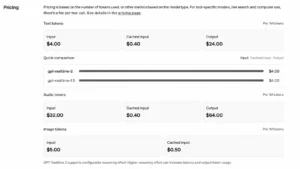
Pricing is where the model becomes serious. GPT-Realtime-2 is not cheap compared with normal text models. Audio costs $32 per million input tokens and $64 per million output tokens. Text input costs $4 per million tokens, text output costs $24 per million tokens, and image input costs $5 per million tokens. Cached input is cheaper, but production voice agents can still become expensive if they handle long calls.
So, GPT-Realtime-2 is best for teams building real voice products, not hobby demos. It is a strong fit for customer support, sales assistants, appointment booking, live service agents, and enterprise workflows where voice, tools, and memory all matter.
The downside is complexity. You need API integration, realtime streaming, tool orchestration, cost control, and proper safety handling. This is not a plug-and-play consumer product.
Optizeno Verdict:
GPT-Realtime-2 feels like a serious step forward for AI voice agents. It is smarter, more flexible, and better prepared for real conversations. But it is also a developer-first model with developer-level pricing and setup work.
Pros
- Strong realtime voice reasoning
- 128K context window
- Supports text, audio, and image input
- Speech-to-speech interaction
- Better tool-use support for voice agents
- Configurable reasoning effort
- Useful for support, sales, booking, and business workflows
Cons
- API-only, not a normal ChatGPT feature
- Audio pricing can become expensive
- Requires developer setup
- Higher reasoning can increase latency and token use
- Too advanced for simple transcription or basic voice chat