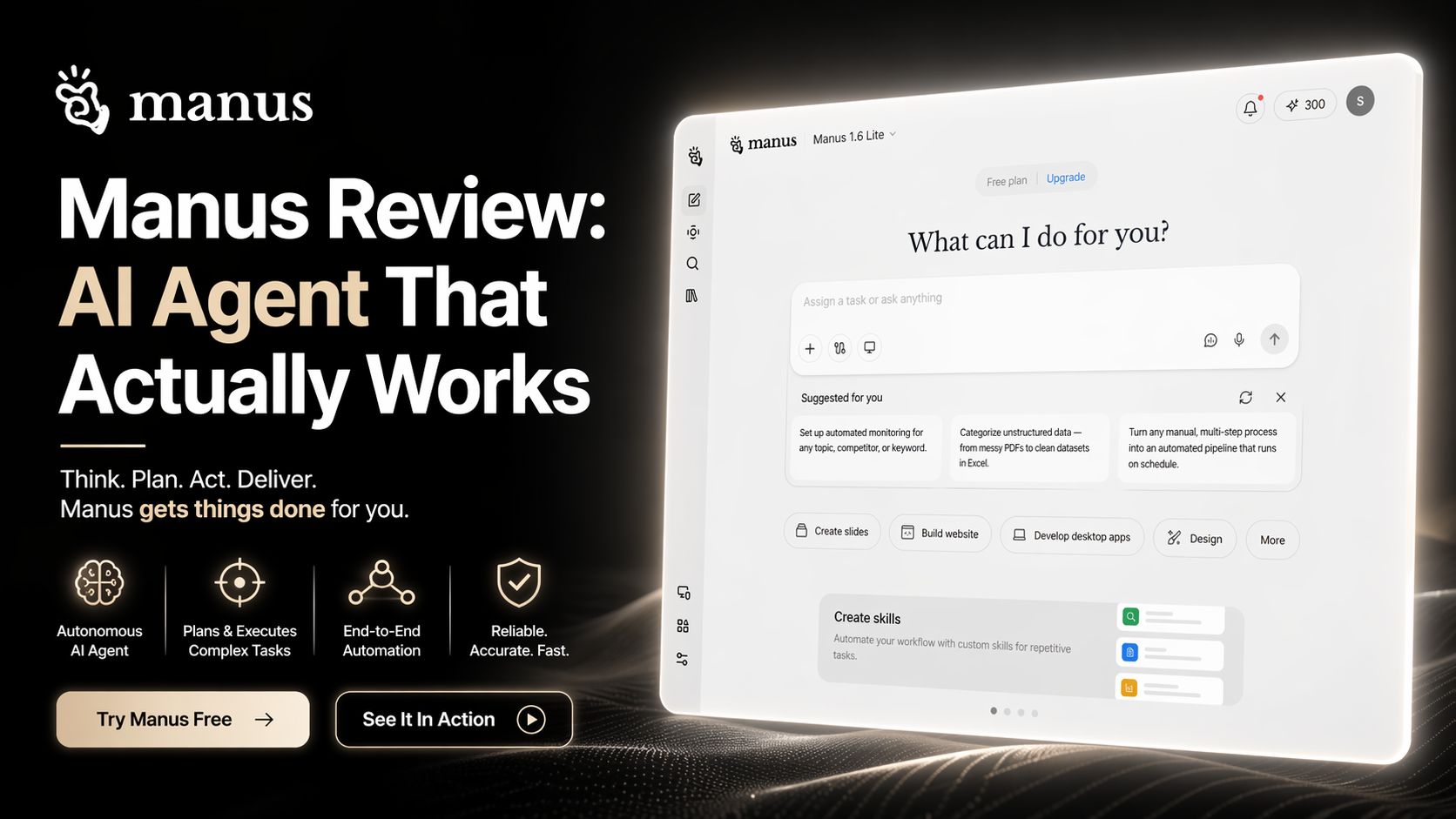
Manus Review: AI Agent That Actually Works
If you want an AI tool that does more than chat, Manus is one of the most interesting platforms I tested recently. Instead of only giving answers in a text box, Manus is built as an agentic AI workspace. That means it can take a task, break it into steps, execute work, automate actions, and return finished deliverables.
After spending time exploring it, I’d describe Manus as a mix of AI assistant, workflow automation tool, browser operator, and digital employee. It is designed for users who want results, not just suggestions.
What Manus Actually Does
Most AI tools stop after generating text. Manus tries to continue from there.
For example, I tested prompts like:
- Build a research report on competitors
- Create slides for a product pitch
- Design a landing page draft
- Summarize a market trend and export notes
- Automate repetitive browser-based work
- Turn raw ideas into documents
Instead of replying with short text, Manus starts working through tasks in the background. It can browse, gather information, organize outputs, and produce files.
That is where it feels different from standard chatbots.
My Real Experience Using Manus
The first thing I noticed was speed. It doesn’t always feel instant like chat tools, because it is actually doing steps behind the scenes. But the output quality can be far better for complex tasks.
I gave it a request to create a business research summary with competitor insights. Instead of random filler text, it produced a structured report with sections, comparisons, and readable formatting.
I also tested content creation workflows. Manus handled outlines, first drafts, and document formatting better than many standard AI writers.
For productivity users, this matters.
Instead of opening five tools, you can do much of the workflow in one place.
Best Features of Manus
1. Task Execution Instead of Only Answers
This is Manus’ main advantage. It performs work rather than only talking about it.
2. Background Workflow Automation
You can assign a task and let it process while you do something else.
3. Deliverable-Based Outputs
Slides, documents, research notes, structured plans, and usable files are the real focus.
4. Strong Research Use Cases
For market research, summaries, planning, and business intelligence tasks, it feels practical.
5. Clean Workspace Feel
The product feels closer to a modern productivity app than a simple chatbot.
Who Should Use Manus?
Manus is a smart choice for:
- Founders needing quick business research
- Freelancers managing multiple client tasks
- Marketers creating reports and plans
- Students organizing research workflows
- Agencies handling repetitive digital work
- Productivity lovers who want serious automation
Where Manus Feels Weak
No tool is perfect.
During testing, some longer tasks took more time than expected. That is normal for agent tools, but impatient users may dislike it.
Also, advanced automation tools can sometimes feel less predictable than regular chat AI. If your prompt is unclear, results may vary.
For basic writing only, cheaper AI writers may offer better value.
Is Manus Worth It?
Yes — if you need execution, automation, and completed outputs.
No — if you only need quick casual chat responses.
That is the honest answer.
Many AI products promise automation. Manus is one of the few tools that actually feels built around getting work done. It can save serious time when used correctly.
For professionals, founders, researchers, and operators, it is worth trying.
For casual users, it may be more power than needed.
Optizeno Final Verdict
Manus is one of the most promising agentic AI workspaces available right now. It moves beyond chatbot limitations and focuses on real task completion.
That makes it useful in a crowded AI market.
If the future of AI is digital workers instead of chat windows, Manus is already moving there.
Pros
- Performs real tasks, not only chat replies
- Great for research and business workflows
- Can generate finished deliverables
- Saves time across multiple tools
- Strong modern workspace experience
Cons
- Longer tasks may take time
- Needs clear prompts for best results
- Overkill for casual users