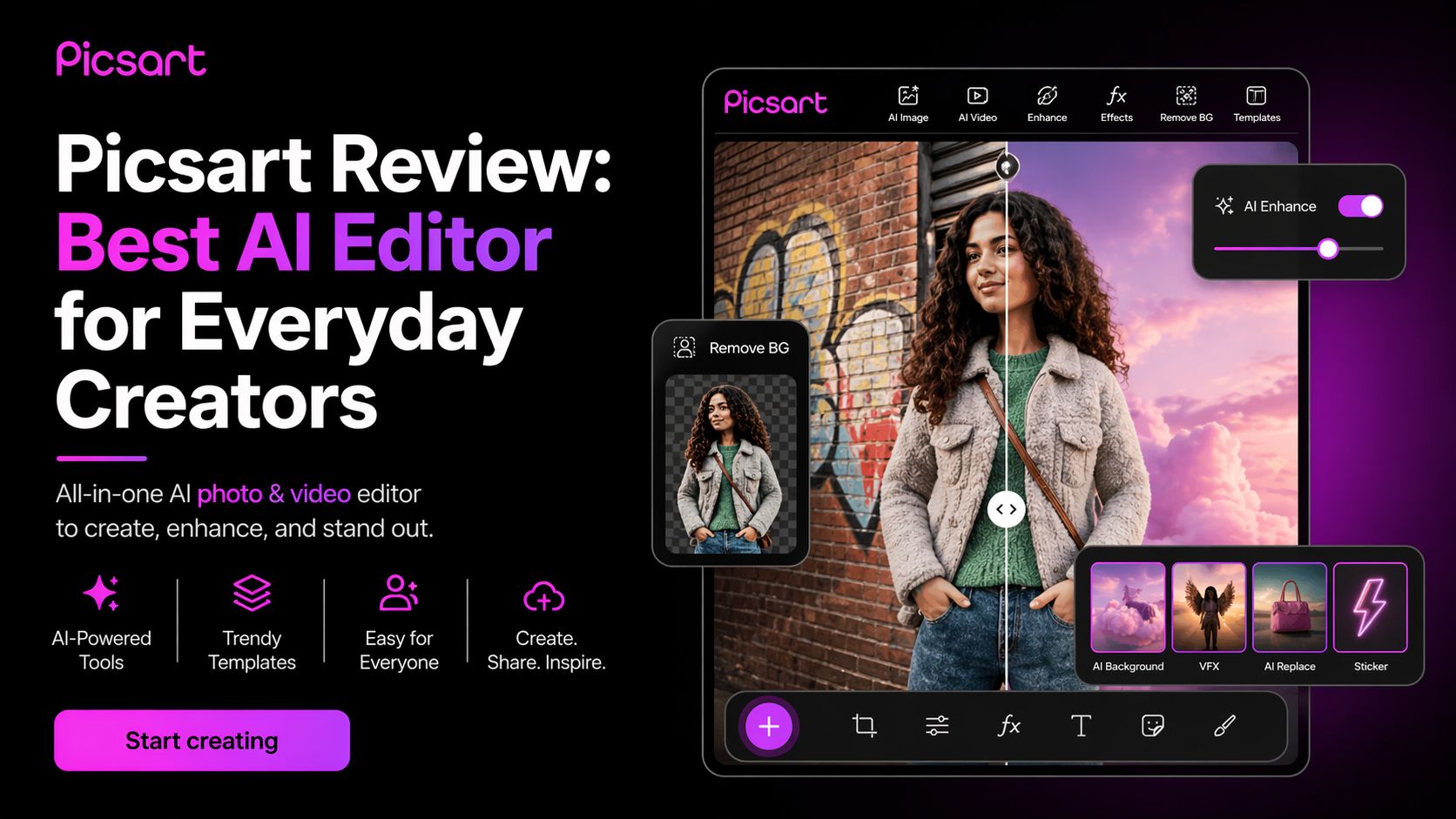
Picsart: Best AI Editor for Everyday Creators
I tested Picsart AI Tools again in 2026 to see whether it still deserves its place among top consumer-friendly creative platforms. Many tools now focus on one task only, such as image generation, background removal, or templates. Picsart takes a broader route. It tries to combine all of those inside one platform.
After using it for image generation, background cleanup, thumbnail design, social posts, product edits, and quick mobile creation, I can say Picsart remains one of the easiest all-in-one AI creative tools for everyday users.
It is especially strong for people who want fast results without learning advanced software.
Picsart now promotes itself as an AI creative platform with editing, design, templates, video tools, and a growing list of AI features. Publicly listed materials mention millions of AI images generated daily and over 150 million creators using the platform globally.
My Real Experience Using Picsart
The biggest strength of Picsart is convenience.
Instead of opening different apps for design, photo cleanup, AI generation, and resizing, you can do most tasks in one place.
I tested these workflows:
- Remove image backgrounds
- Generate AI art from prompts
- Create YouTube thumbnails
- Make Instagram story graphics
- Enhance blurry photos
- Add text and effects
- Resize one design for multiple platforms
- Quick ecommerce product visuals
For fast social content, it performs very well.
The mobile app is especially useful. If someone edits mostly from a phone, Picsart still beats many desktop-first competitors because the workflow feels built for fast content creation.
Best Features
1. All-in-One Creative Toolkit
Picsart combines:
- AI image generator
- Background remover
- Photo editor
- Video editor
- Templates
- Text tools
- Resize tools
- Filters and effects
That saves time for creators who dislike switching platforms. Picsart officially promotes it as a single creative platform for images and video.
2. Strong AI Editing Tools
Its AI editor includes:
- Object removal
- Upscaling
- Sharpening
- AI backgrounds
- Cleanup tools
- Auto enhancement
These are practical features people actually use daily.
3. Great for Beginners
You do not need design experience. The interface is built for normal users, not professionals only.
4. Good Mobile Experience
Picsart became popular partly because mobile creation feels natural and quick.
5. Useful for Business Creators Too
Small businesses, resellers, and marketers can use it for ads, product photos, and branded content.
Where It Feels Weaker
No tool is perfect.
Can Feel Feature Heavy
Because Picsart offers many tools, beginners may need time to learn where everything is.
Credit-Based AI Limits
Higher AI usage depends on plan credits, which matters for heavy users.
Not a Full Photoshop Replacement
For advanced layer-heavy professional editing, Adobe tools still go deeper.
Performance Depends on Device
Older phones may feel slower during larger edits.
Who Should Use Picsart?
Picsart is ideal for:
- Social media creators
- Students making designs
- Small businesses
- Ecommerce sellers
- YouTubers
- Casual creators
- Influencers
- Mobile-first users
If you want fast content creation without complex software, Picsart is a strong option.
Latest Pricing (April 2026)
Based on current public pricing pages, Picsart lists:
- Free Plan – $0/month with limited AI access and weekly credits
- Pro Plan – about $7/month billed yearly
- Ultra Plan – about $24.50/month billed yearly per seat
- Enterprise – custom pricing for businesses
Pricing can vary by country, device store, promotions, or billing method, so always verify directly on the official site.
Optizeno Final Verdict
After testing it again, Picsart still succeeds because it understands what most users need:
Fast creation, easy editing, and useful AI tools in one place.
It may not be the deepest professional editor on the market, but that is not the point.
Picsart is built for speed, simplicity, and volume.
If you create content often and want one tool that handles design, AI images, cleanup, templates, and mobile editing, Picsart is absolutely worth trying in 2026.
Pros
- Strong all-in-one creative platform
- Easy for beginners
- Good mobile editing experience
- Useful AI tools for daily work
- Great for social media content
Cons
- Can feel crowded with many features
- Advanced AI use depends on credits
- Not ideal for pro-level deep editing