Pixlr Review: Online Photo Editor in 2026
I tested Pixlr again recently using the latest version on Pixlr.com, and it remains one of the smartest browser-based photo editors for people who want speed, convenience, and strong AI tools without installing heavy software.
Pixlr has been around for years, but the newer versions feel much more complete now. It is no longer just a lightweight editor. Today, it combines photo editing, graphic design, AI image generation, background removal, retouching, templates, and quick content creation inside a browser. That makes it useful for creators, bloggers, marketers, students, eCommerce sellers, freelancers, and small businesses.
The biggest reason people still choose Pixlr is simple: it works fast. You open the website, upload an image, and start editing immediately. No long downloads. No expensive software bundles. No learning curve like traditional professional editors.
During testing, I used Pixlr for product photo cleanup, social media graphics, thumbnail creation, and quick AI edits. The workflow felt smooth. Background removal was fast. Resize tools worked well. The touch-up tools were useful for small corrections. For everyday content creation, Pixlr is genuinely practical.
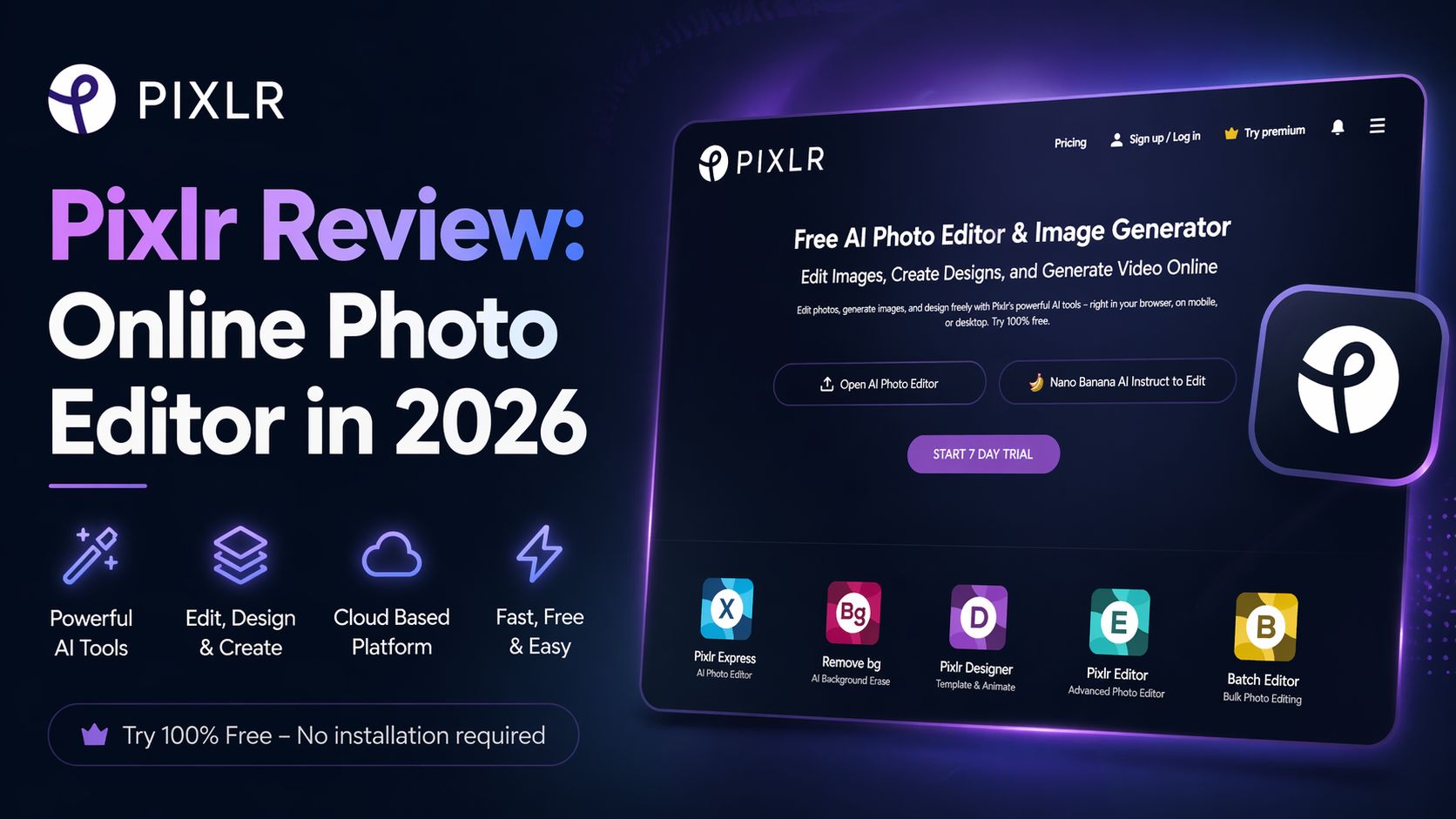
Pixlr currently offers multiple editing modes. Pixlr X is better for fast everyday edits and simple designs. Pixlr E is stronger for users who want layers, advanced controls, and more precise editing. That split is smart because beginners are not overwhelmed, while advanced users still get enough control.
The AI tools are where Pixlr has improved most. I tested generative fill, expand, AI image generator, object removal, and enhancement tools. They are not perfect, but they are useful. For fast content workflows, they save serious time. If you run social pages, online stores, blogs, or ad campaigns, this matters.
Another major advantage is platform flexibility. Pixlr works in browser, desktop, and mobile environments through one account. That makes it convenient for people switching between laptop and phone during workdays.
Where Pixlr is weaker is deep professional editing. If you need advanced RAW workflows, ultra-precise masking, print production pipelines, or complex Photoshop-grade manipulation, dedicated desktop software still wins. Pixlr is strongest for speed, convenience, and daily creative work.
I also noticed that Pixlr is especially valuable for beginners who want results now. Many tools promise power but feel complicated. Pixlr balances usability and features well.
Pricing (Checked April 24, 2026 – Official Website)
According to Pixlr’s official pricing page:
- Free Plan – Available
- Plus – Paid plan available
- Premium – Paid plan available
- Team / Enterprise – Custom options available
- 7-day free trial available on premium plans.
Pixlr often updates plan names, AI credits, and discounts, so always verify live pricing on the official website before purchase.
Who Should Use Pixlr?
Pixlr is ideal for:
- Bloggers creating featured images
- YouTubers making thumbnails
- Online stores editing product photos
- Students making presentations
- Social media managers creating daily posts
- Freelancers needing fast edits
Optizeno Final Verdict
Pixlr remains one of the best browser-based creative tools in 2026. It is fast, easy, affordable, and now much smarter thanks to AI features.
If you need a practical editor for real daily work—not heavy studio design—Pixlr is absolutely worth using.
Pros
- Fast browser-based editing
- Strong AI tools for daily use
- Beginner-friendly interface
- Great for thumbnails and social media
- No software installation needed
Cons
- Not ideal for advanced professional workflows
- Some AI tools need retries
- Heavy projects can feel limited
- Ads on free version