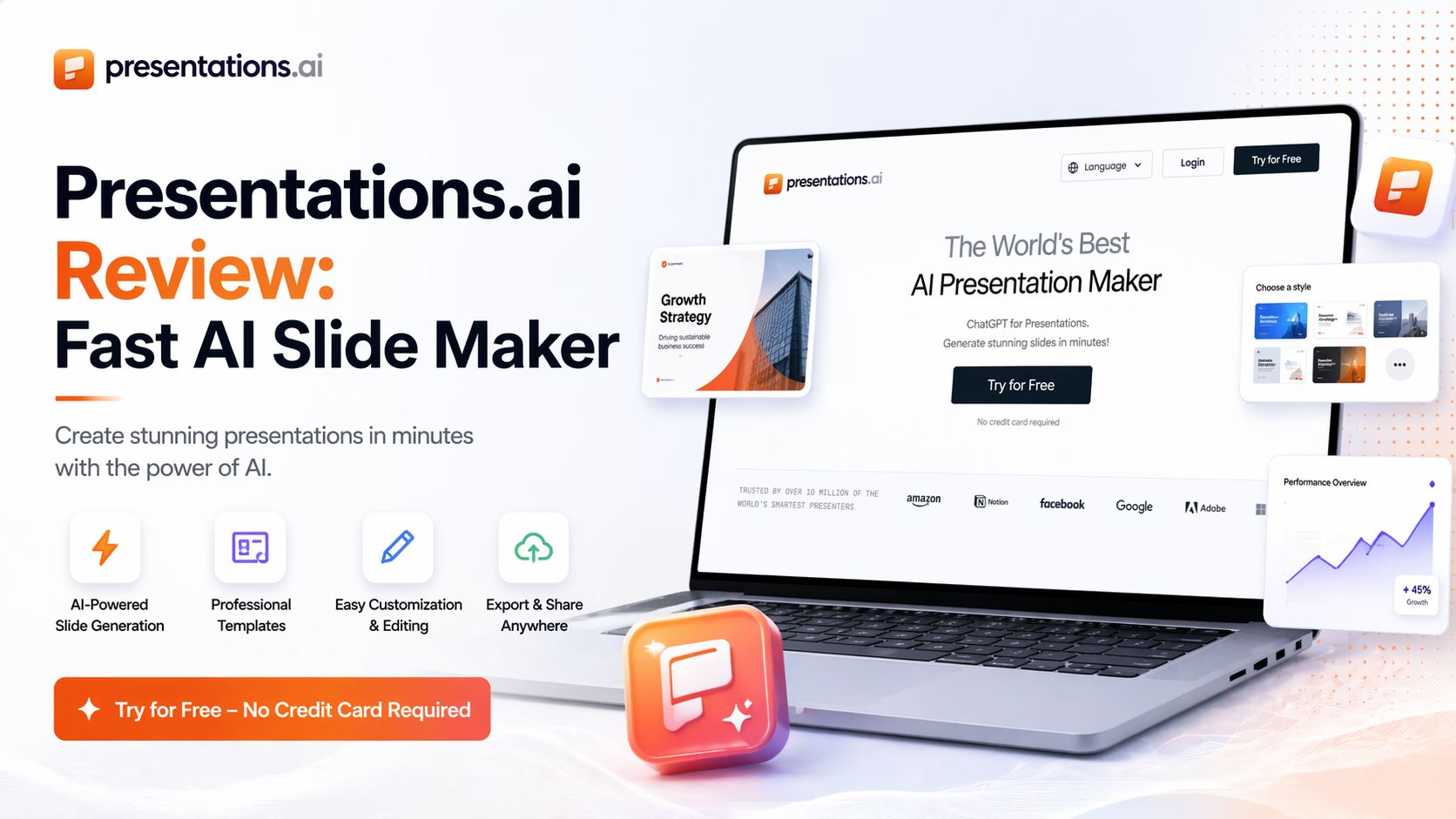
Presentations.ai Review: Fast AI Slide Maker
Presentations.AI is one of the most polished AI presentation builders available right now. It is designed for people who need professional slide decks fast without spending hours on layouts, colors, fonts, and formatting. Instead of starting from a blank page, you enter a topic, short prompt, notes, document, or even a URL, and the platform turns that into a structured presentation in minutes.
After testing its current version, the biggest strength is speed. It creates full decks much faster than traditional tools like PowerPoint or Google Slides when starting from scratch. This makes it useful for founders, marketers, students, consultants, sales teams, and anyone who regularly needs polished presentations under tight deadlines.
The interface feels clean and modern. You type what you need, and the AI generates slides with headlines, bullet points, visuals, layouts, and design consistency. It also supports editing after generation, so you are not locked into the first draft. You can rewrite text, move sections, change themes, and adjust content without rebuilding everything manually. That saves serious time.
Another strong point is branding. Presentations.ai promotes features for custom colors, fonts, and branded themes. For businesses that need consistent client-facing decks, this can be very useful. Instead of redesigning every presentation from zero, teams can reuse visual identity across multiple projects.
For exports, it supports PowerPoint-compatible files and PDF export on higher plans. That matters because many AI presentation tools look nice inside their own app but become messy after export. Presentations.ai focuses heavily on editable outputs, which gives it practical value for real work.
In real use, the output quality is generally strong for business topics, pitches, summaries, training decks, proposals, and marketing presentations. However, like most AI tools, it still works best when you provide a clear prompt. If your prompt is vague, some slides can feel generic and may need rewriting. It is best treated as a high-speed first draft engine plus design assistant, not a fully hands-free replacement for human judgment.
Presentations.ai Latest Pricing (April 2026)
Based on the current pricing page:
- Starter Plan – Free (limited AI credits)
- Pro Plan – $198/year for one user (discounted early pricing shown)
- Enterprise – Custom pricing via sales contact
That pricing is competitive compared with many design and productivity tools, especially for users who create decks often.
Who Should Use It?
Presentations.ai is best for:
- Startup founders creating pitch decks
- Sales teams making proposals
- Freelancers building client presentations
- Students making class slides
- Agencies producing fast branded decks
- Professionals who hate manual slide design
Optizeno Final Verdict
Presentations.ai stands out because it combines AI writing, slide structure, and polished design in one workflow. It saves time, looks professional, and is easy to use. If you create presentations regularly, it can pay for itself quickly through speed alone.
Pros
- Very fast presentation generation
- Clean and beginner-friendly interface
- Strong visual quality compared with many rivals
- PowerPoint export support
- Useful branding and theme controls
- Good for business and pitch decks
Cons
- Generic slides can appear from weak prompts
- Best export features require paid plans
- Needs manual edits for expert topics
- Internet connection required