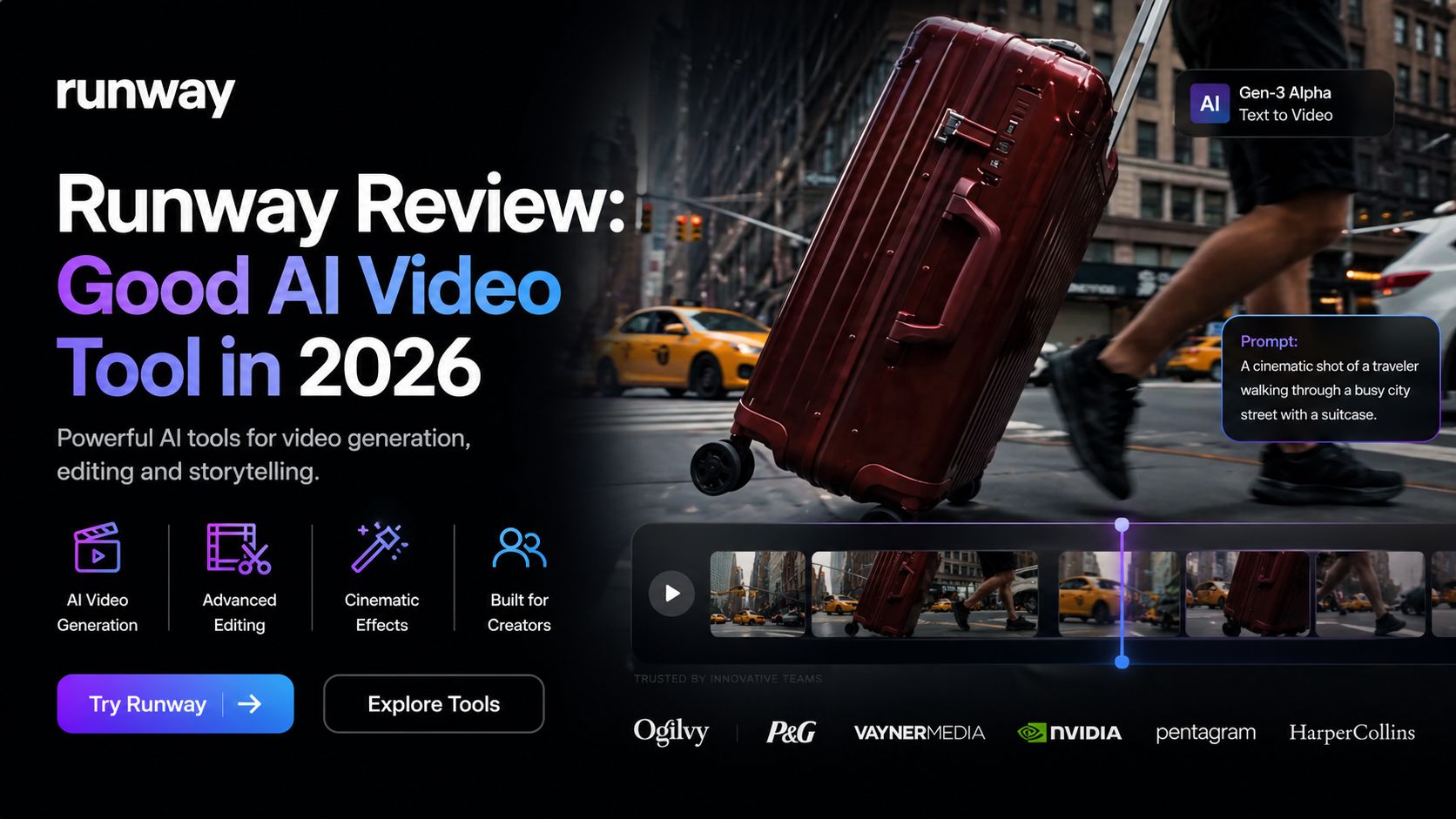
Runway Review: Good AI Video Tool in 2026
Runway has become one of the biggest names in AI video creation, and for good reason. It is a professional-grade platform that helps creators generate videos, edit footage, create motion graphics, and build cinematic visuals using AI. While many AI video tools focus on short novelty clips, Runway feels built for serious content creation. It is popular with marketers, filmmakers, agencies, YouTubers, and creative teams who need speed without losing quality.
After testing the current platform, Runway stands out because it combines generation and editing in one workspace. You can create videos from text prompts, animate still images, remove backgrounds, erase objects, extend scenes, and refine clips without moving across several apps. That saves time and makes production smoother.
Its latest models, including Gen-4 and Gen-4.5, deliver some of the strongest visual quality currently available in AI video. Motion feels more natural, scenes remain more consistent, and prompt understanding is stronger than many older tools. This is especially useful for storytelling, branded ads, concept trailers, music visuals, and social content where quality matters.
One of Runway’s biggest strengths is creator control. Many beginner tools generate random results with limited editing options. Runway gives more control over camera feel, visual style, scene continuity, image-to-video workflows, and iterative creation. For professionals, that matters more than simple one-click generation.
The platform also includes practical editing tools beyond generation. Features such as inpainting, background removal, object cleanup, frame expansion, motion tracking, and AI image tools make it useful after the video is created too. This means Runway can fit into real production pipelines instead of being only an experimental toy.
Another reason creators like Runway is workflow flexibility. It serves solo creators making TikTok ads and YouTube intros, but it also supports teams building campaigns and commercial projects. Enterprise plans add collaboration, security, and larger-scale production options.
Pricing as of April 2026 starts with a Free plan that includes limited credits and testing access. Paid plans begin around $12/month billed annually for Standard. Pro plans are around $28/month, while Unlimited plans are around $76/month billed annually. Enterprise pricing is custom for larger organizations. Credit allowances and features vary by tier.
Runway is not perfect for everyone. Heavy video generation can become expensive if you create large volumes regularly. Credit systems may also feel confusing to beginners. Some outputs still need reruns or manual editing, especially when prompts are vague or highly complex. Beginners wanting instant templates may prefer simpler consumer tools.
Still, for creators who care about output quality, flexibility, and professional workflows, Runway remains one of the best choices available. It sits closer to a creative studio than a casual AI generator.
According to Optizeno, Runway is one of the top AI video platforms in 2026. If you need serious video creation, ad production, cinematic visuals, or advanced AI editing tools, it is absolutely worth trying.
Pros
- Excellent AI video quality
- Strong text-to-video and image-to-video tools
- Professional editing features included
- Great for marketers and creators
Cons
- Heavy usage can get expensive
- Credit system may confuse new users
- Some generations need retries