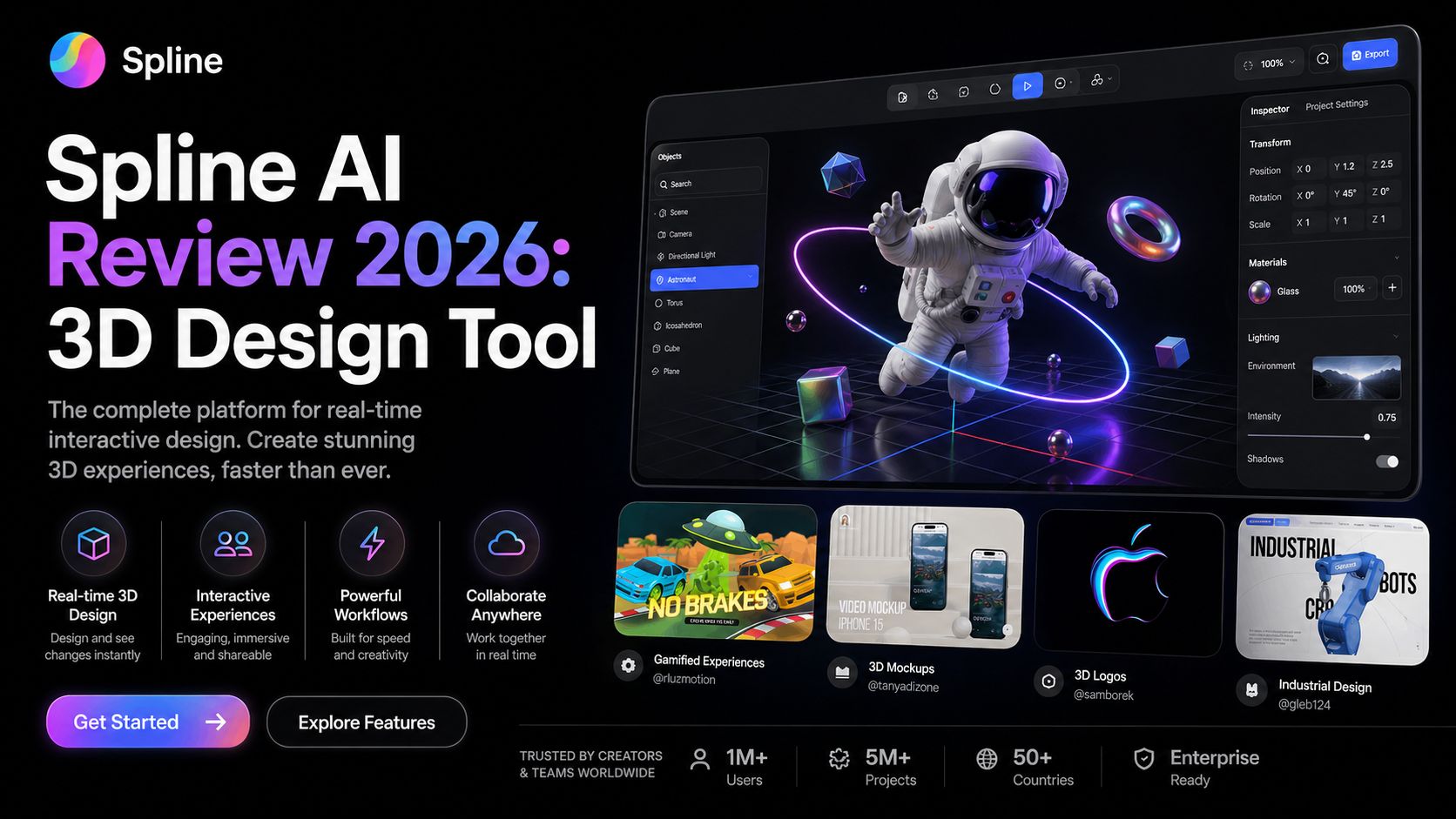
Spline AI Review 2026: 3D Design Tool
Spline AI is one of the most exciting creative tools for designers who want to build interactive 3D content faster. It combines Spline’s popular browser-based 3D design platform with AI generation tools that help create objects, textures, styles, and visual assets from prompts. Instead of learning complex traditional 3D software first, users can move from idea to usable design much faster. For web designers, product teams, marketers, and creators, that is a big advantage.
After reviewing the latest version, Spline AI feels strongest in accessibility. Many 3D tools are powerful but difficult for beginners. Spline simplifies the workflow with a clean interface, real-time editing, drag-and-drop controls, and collaborative cloud access. Adding AI makes it even easier because users can generate starting assets instead of modeling everything manually.
The standout feature is AI 3D Generation. Users can create 3D objects from text prompts, images, or a mix of both. For example, you can request a futuristic chair, stylized robot, product mockup, cartoon character, or decorative icon, then turn that concept into a usable 3D mesh. Spline currently generates multiple preview options so users can choose the best result before adding it to a scene.
Another strong feature is texture and style assistance. Spline AI also supports tools for AI textures and style transfer. This helps creators improve materials, colors, and surfaces without building every visual detail by hand. For branding projects, landing pages, product showcases, or portfolio sites, these tools can dramatically reduce production time.
Spline itself is more than an asset generator. It includes animation timelines, interactions, states, physics, particles, variables, APIs, and multi-platform exports. That means you can build interactive 3D websites, app visuals, product demos, gamified experiences, or motion scenes all inside one platform. It also integrates with tools like Webflow, Figma, Framer, Shopify, Notion, Wix, and more.
This makes Spline AI especially valuable for modern web design. Instead of static pages, brands now want motion, depth, and immersive visuals. Spline helps designers create those experiences without depending heavily on developers. For freelancers and agencies, that can create faster delivery and stronger client results.
Pricing as of April 2026 starts with a Free plan that includes limited files, unlimited viewers, templates, and watermarked web exports. Starter costs around $12/month billed yearly or $15 monthly. Professional costs around $20/month billed yearly or $25 monthly. The Spline AI Add-on is about $5/month per seat, including AI credits, while Enterprise plans use custom pricing.
Spline AI is not perfect for everyone. AI-generated models work best for single objects rather than highly detailed full scenes. Precision hard-surface products may need manual refinement. Advanced 3D professionals may still prefer Blender or Cinema 4D for deep production workflows. Some premium exports and AI features also require paid plans.
Still, for speed, creativity, and modern web-focused 3D design, Spline AI is one of the best tools available in 2026. It lowers the barrier to 3D creation while keeping serious interactive power.
Optizeno says, Spline AI is highly recommended for designers, startups, creators, and teams who want to add premium 3D experiences to websites and products without a steep learning curve.
Pros
- Easy browser-based 3D workflow
- Strong AI text-to-3D generation
- Great for websites and interactive design
- Real-time collaboration tools
- Useful exports and integrations
Cons
- AI models may need cleanup
- Advanced exports require paid plans
- Less deep than pro 3D software
- Precision objects need refinement
- Heavy scenes can need optimization