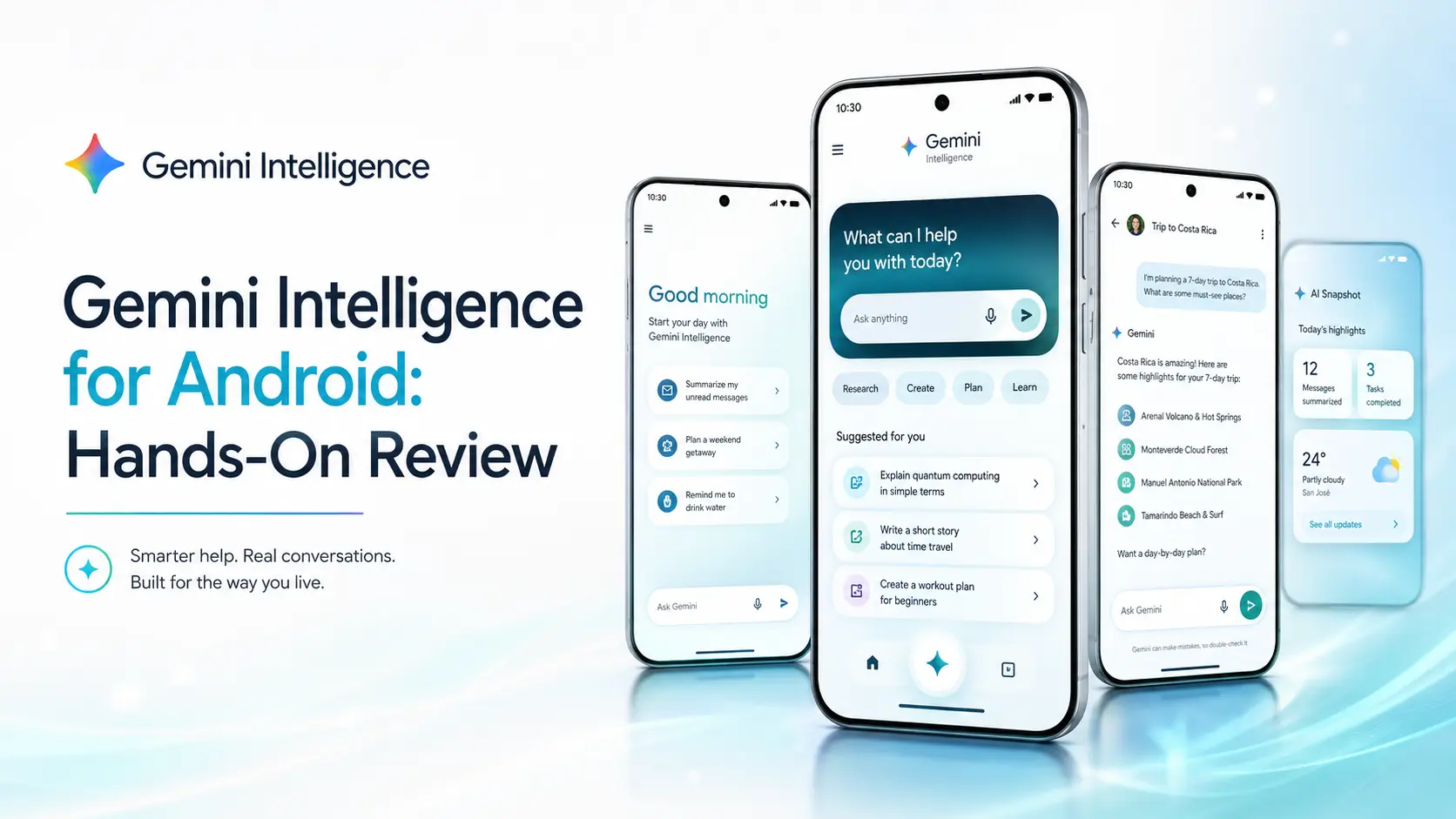
Gemini Intelligence for Android: Hands‑On Review
What Is Gemini Intelligence for Android?
Google unveiled Gemini Intelligence for Android on May 12, 2026, during The Android Show 2026. It is Google’s new AI layer for Android devices.
This is not just another chatbot inside your phone. It is designed to make Android more proactive. The goal is simple: let your phone handle small, boring tasks before they waste your time.
Gemini Intelligence can work across apps, understand what is on your screen, help in Chrome, fill out forms, clean up spoken messages, and create custom widgets.
App Automation Feels Like the Main Upgrade
The strongest feature is app automation. Gemini can move across selected apps and help complete multi-step tasks.
For example, you can ask it to find information from Gmail, understand what you need, and prepare the next step for you. It can also use screen or image context. That means a note, a screenshot, or a photo can become the starting point for an action.
This is where Android starts to feel different. Instead of jumping between apps, copying text, and filling details by hand, Gemini can do much of the work in the background.
Still, it does not fully take control. Google says Gemini waits for user confirmation before final actions like purchases. That is important because phone automation needs trust, not just speed.
Smarter Chrome, Autofill, and Voice Typing
Gemini Intelligence also improves Chrome on Android. It can summarize web pages, compare information, and help with online tasks. This could be useful for students, shoppers, travelers, and busy professionals.
Autofill also becomes smarter. Instead of only filling basic names and addresses, Gemini can use relevant details from connected apps. This may help when filling long forms on a small phone screen.
Another useful feature is Rambler for Gboard. It turns natural speech into cleaner text. You can speak casually, pause, correct yourself, or switch languages. Rambler then creates a more polished message.
For people who send many voice-typed messages, this could save real time.
One of the most interesting features is Create My Widget. You describe the widget you want, and Gemini builds it.
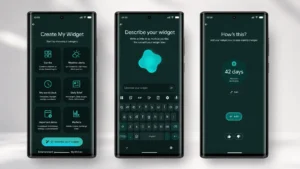
You can ask for a countdown widget, a weather widget, a daily briefing, or a small dashboard for your routine. This makes Android feel more personal without needing design or coding skills.
It also shows where Google is heading. Android is slowly moving from fixed apps to more flexible, AI-generated interfaces.
Privacy and Availability
Google says Gemini Intelligence is built around user control, data protection, and transparency. Features like Autofill with Gemini require opt-in access. Gemini automation should also show when it is working.
That privacy approach matters because this tool can touch sensitive areas like messages, forms, apps, and browsing.
Gemini Intelligence starts rolling out in summer 2026 on the latest Google Pixel and Samsung Galaxy phones. Google also plans to bring it to watches, cars, glasses, and laptops later in 2026.
Pricing is simple for now. Google has not announced a separate price for Gemini Intelligence. It appears to be a free Android feature, but availability depends on supported devices and rollout timing.
Optizeno Verdict
Gemini Intelligence for Android feels like one of Google’s most important AI updates. It is useful for Android users who want faster workflows, smarter browsing, better voice typing, and less manual phone work.
It is not perfect yet. Rollout is limited, app support will matter, and some features may need time to become reliable. But the direction is clear. Android is becoming less like a passive phone system and more like an active AI assistant.
Pros
- Automates multi‑step tasks across apps.
- Summarises web pages and compares information within Chrome.
- Rambler produces polished, multilingual voice‑to‑text messages.
- Creates custom widgets with simple natural‑language prompts.
- Strong privacy controls and transparent AI activity tracking.
Cons
- Currently limited to the newest Pixel and Samsung devices.
- Automation can stall if UI elements change unexpectedly (observed during testing).
- Early builds caused noticeable battery drain during long tasks.
- Requires learning new gestures and commands to unlock full potential.
- Some features depend on active internet connection and may lag offline.