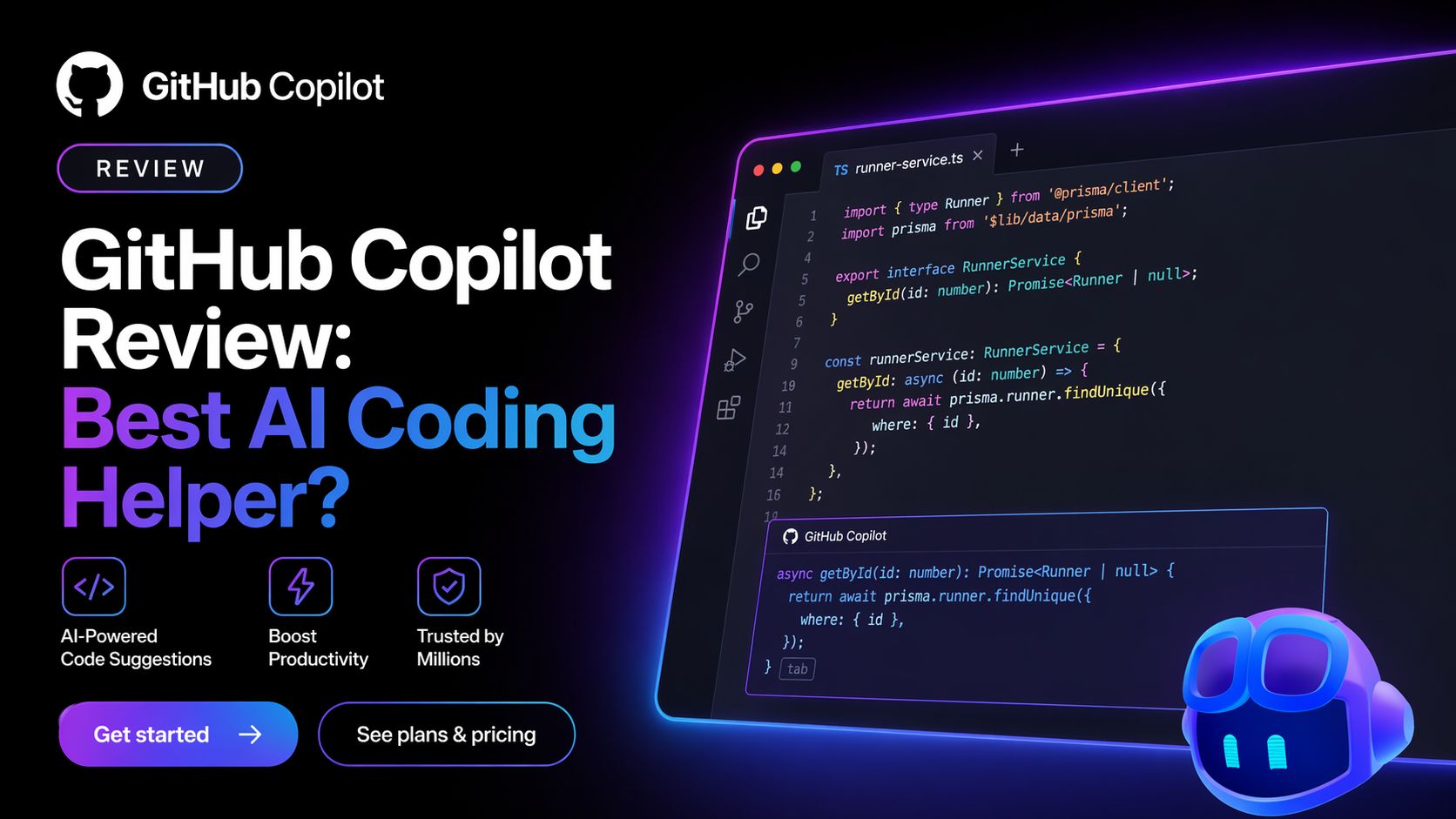
GitHub Copilot Review: Best AI Coding Helper?
I tested GitHub Copilot again with its latest features to see whether it still deserves its position as one of the top AI coding assistants in 2026. After using it inside VS Code, GitHub, terminal workflows, debugging tasks, code refactoring, and day-to-day development work, I can say one thing clearly:
GitHub Copilot is still one of the most practical AI tools for developers who want real speed gains.
Unlike many flashy AI coding tools that look impressive in demos, Copilot focuses on something developers actually care about: helping while you code.
It lives inside your editor and gives real-time code suggestions, completions, debugging help, chat assistance, explanations, and automation without forcing you to change your workflow.
That is why it remains widely used.
My Real Experience Using GitHub Copilot
The first thing I noticed was how natural it feels when integrated properly.
Instead of opening another website and copying code back and forth, Copilot works where coding happens.
I tested it on:
- JavaScript components
- Python automation scripts
- SQL queries
- React UI tasks
- Debugging broken logic
- Writing unit tests
- Refactoring repetitive code
The autocomplete remains one of its biggest strengths.
When writing functions, Copilot often predicted the next block correctly. Sometimes it generated nearly complete functions based on variable names and surrounding code.
That can save serious time.
Where GitHub Copilot Helps Most
1. Boilerplate Code
Forms, APIs, components, models, tests, repetitive patterns.
2. Debugging Support
You can ask what caused an error and get useful direction fast.
3. Learning New Languages
When switching stacks, Copilot reduces friction.
4. Refactoring Old Code
It helps rewrite messy code into cleaner versions.
5. Documentation Help
Comments, summaries, explanations, and inline help are useful.
Best Features of GitHub Copilot
Real-Time Code Completion
Still one of the best autocomplete experiences available.
Copilot Chat
You can ask coding questions directly inside supported IDEs. Useful for debugging and explaining unfamiliar code.
Multi-Editor Support
Works across VS Code, Visual Studio, JetBrains IDEs, Xcode, Neovim, Eclipse, and more.
Agent and Review Features
Newer Copilot workflows now include code review and more agent-style help for certain plans.
GitHub Ecosystem Integration
Strong advantage if your workflow already lives in GitHub.
Who Should Use GitHub Copilot?
GitHub Copilot is ideal for:
- Professional developers
- Freelancers
- Students learning programming
- Startup engineering teams
- Agencies building client apps
- DevOps engineers
- Technical founders
For Optizeno readers searching productivity tools that create real ROI, this is one of the strongest developer tools worth watching in 2026.
Honest Downsides
No tool is perfect.
Copilot can still generate code that looks correct but is wrong. Developers must review outputs carefully.
It also performs better in common languages than highly niche frameworks.
Some advanced features depend on plan limits, premium requests, or higher tiers. Heavy users may hit caps depending on usage style.
And beginners should avoid blindly trusting generated code.
Latest Pricing (April 2026)
Current public pricing shows:
- Free – $0 with limited completions / requests
- Pro – $10/month
- Pro+ – $39/month
- Business – $19/user/month
- Enterprise – $39/user/month (with enterprise requirements)
My Final Verdict
GitHub Copilot remains one of the safest recommendations in AI coding.
It does not promise magic. It simply helps developers code faster, reduce repetition, and stay in flow.
That is exactly what most developers need.
If you code often and want immediate productivity gains without changing your workflow, GitHub Copilot is still one of the best AI tools you can buy in 2026.
Pros
- Excellent real-time code completion
- Strong IDE integration
- Helpful chat and debugging tools
- Supports many languages and editors
- Great productivity ROI for developers
Cons
- Can generate incorrect code confidently
- Requires review before production use
- Best features need paid plans
- Usage caps on some plans
- Less helpful in niche stacks sometimes