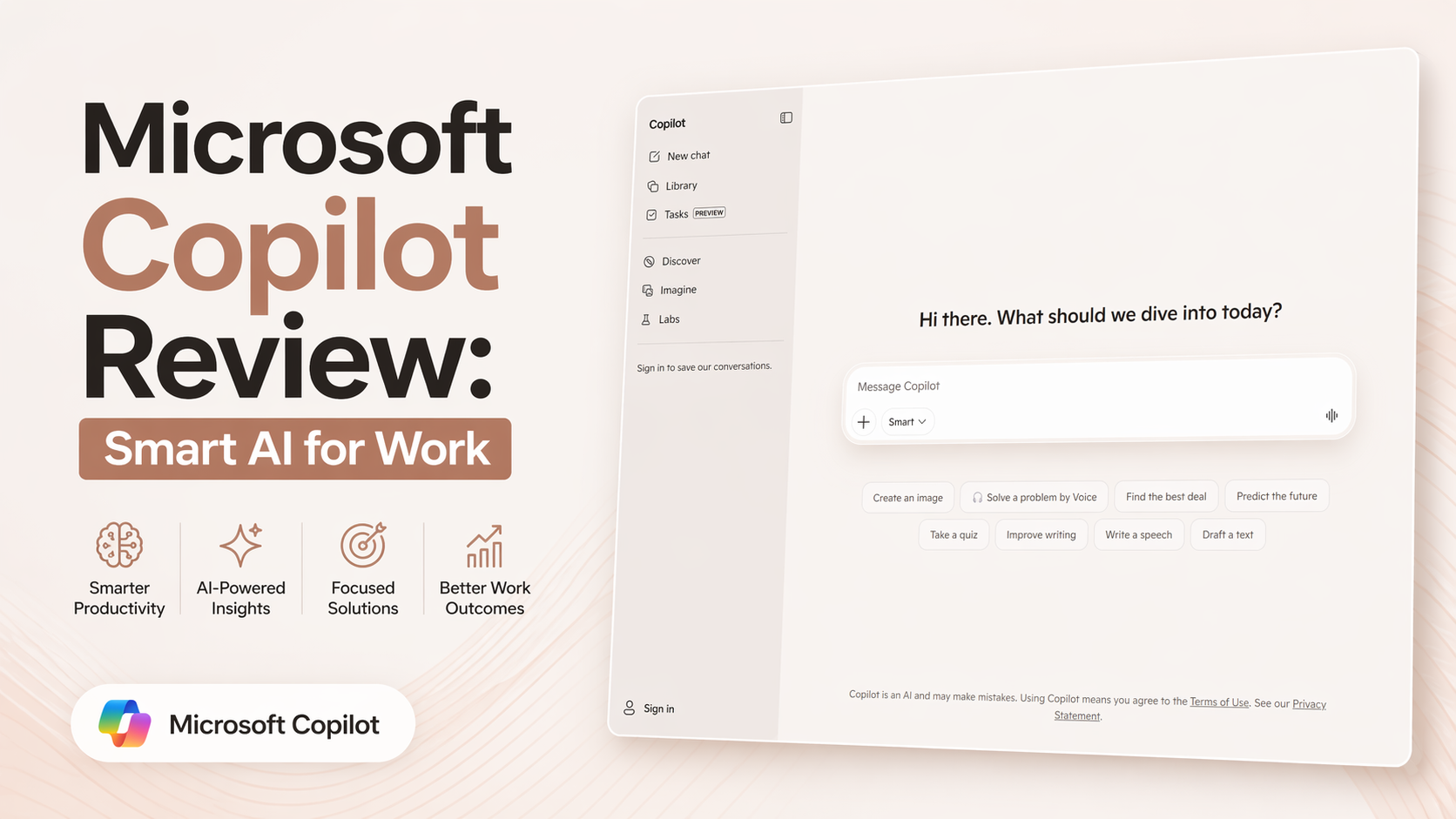
Microsoft Copilot Review: Smart AI for Work
Microsoft Copilot has grown into one of the most useful AI assistants for people already using Microsoft products. It is no longer just a chatbot on the side. It now works across Windows, Microsoft 365 apps, Edge, and the standalone web version at copilot.microsoft.com. That makes it one of the most practical AI tools for daily productivity in 2026.
I tested Microsoft Copilot for writing, quick research, summarizing, brainstorming, spreadsheet help, and everyday task support. My honest opinion is simple: if you live inside Microsoft tools, Copilot can save real time. It feels strongest when connected to Word, Excel, Outlook, Teams, and PowerPoint.
Instead of switching between apps, you can ask Copilot to help where you already work.
What Microsoft Copilot Actually Does
Microsoft Copilot is an AI companion focused on work, creativity, and quick answers.
It helps with tasks like:
- Writing drafts in Word
- Summarizing long emails
- Creating PowerPoint slides
- Analyzing data in Excel
- Brainstorming ideas
- Quick web research
- Meeting summaries in Teams
- Rewriting text professionally
- Generating images and creative content
- Daily productivity support
Microsoft continues adding features rapidly across its ecosystem. New 2026 updates included Researcher tools, notebooks improvements, Excel enhancements, Word citation tools, and more.
My Real Experience Using Copilot
After testing it, I found Microsoft Copilot strongest in real office tasks.
For example:
Writing Help
Inside Word, it was useful for turning rough notes into structured drafts. It is not magic, but it removes blank-page stress.
Email Productivity
In Outlook-style workflows, summarizing long threads and drafting replies saves serious time.
Excel Support
For many users, formulas and data cleanup are painful. Copilot can help explain formulas, suggest trends, and speed analysis.
Presentation Creation
PowerPoint support is one of the better use cases. Turning notes into slide outlines is practical.
Quick Research
The web version works well for fast questions and summaries, especially when you need a second brain during work.
Best Features of Microsoft Copilot
1. Deep Microsoft Integration
This is the biggest reason to choose it. If you already use Microsoft 365, it feels naturally placed inside your workflow.
2. Strong Productivity Use Cases
Unlike many AI tools focused only on chat, Copilot is built around real work output.
3. Multiple Access Points
You can use it through web, Windows, mobile, and Microsoft apps.
4. Great for Office Users
Writers, analysts, managers, students, and business teams can all benefit.
5. Constant Improvement
Microsoft pushes updates often, which keeps the product evolving.
Who Should Use Microsoft Copilot?
Microsoft Copilot is ideal for:
- Office workers
- Students
- Business teams
- Managers handling meetings and email
- Excel users
- PowerPoint creators
- Windows users wanting built-in AI
- Professionals browsing tools on Optizeno
If your work already depends on Microsoft apps, Copilot becomes far more valuable.
Where Copilot Feels Weak
No tool is perfect.
Too Many Copilot Versions
Microsoft uses the Copilot brand across many products. That can confuse users who just want one clear version.
Best Value Depends on Ecosystem
If you do not use Microsoft 365 often, some benefits disappear.
Output Still Needs Review
Like all AI systems, you should still fact-check important work.
Some Features Need Paid Plans
Advanced business integration and premium productivity tools usually require subscriptions.
Can Feel Heavy on Some Devices
Recent reports also noted resource usage concerns with newer app versions.
Is Microsoft Copilot Worth It?
Yes — if you already use Microsoft tools daily.
That is the key point.
If Word, Excel, Outlook, Teams, and PowerPoint are already your workflow, Copilot can save real hours every week.
If you rarely use Microsoft products, other AI assistants may give better standalone value.
Final Verdict
Microsoft Copilot is one of the smartest productivity-focused AI tools available right now.
It is not just about chatting. It is about helping people finish work faster.
For professionals, teams, students, and Microsoft-heavy users, it is absolutely worth considering.
For casual users, the free version is enough to test first.
Pros
- Excellent Microsoft 365 integration
- Great for writing and office work
- Useful Excel and PowerPoint support
- Available on web, mobile, and desktop
- Frequent new updates
Cons
- Branding can confuse new users
- Best value requires Microsoft ecosystem
- AI output still needs checking
- Premium features cost extra
- Some app versions feel heavy