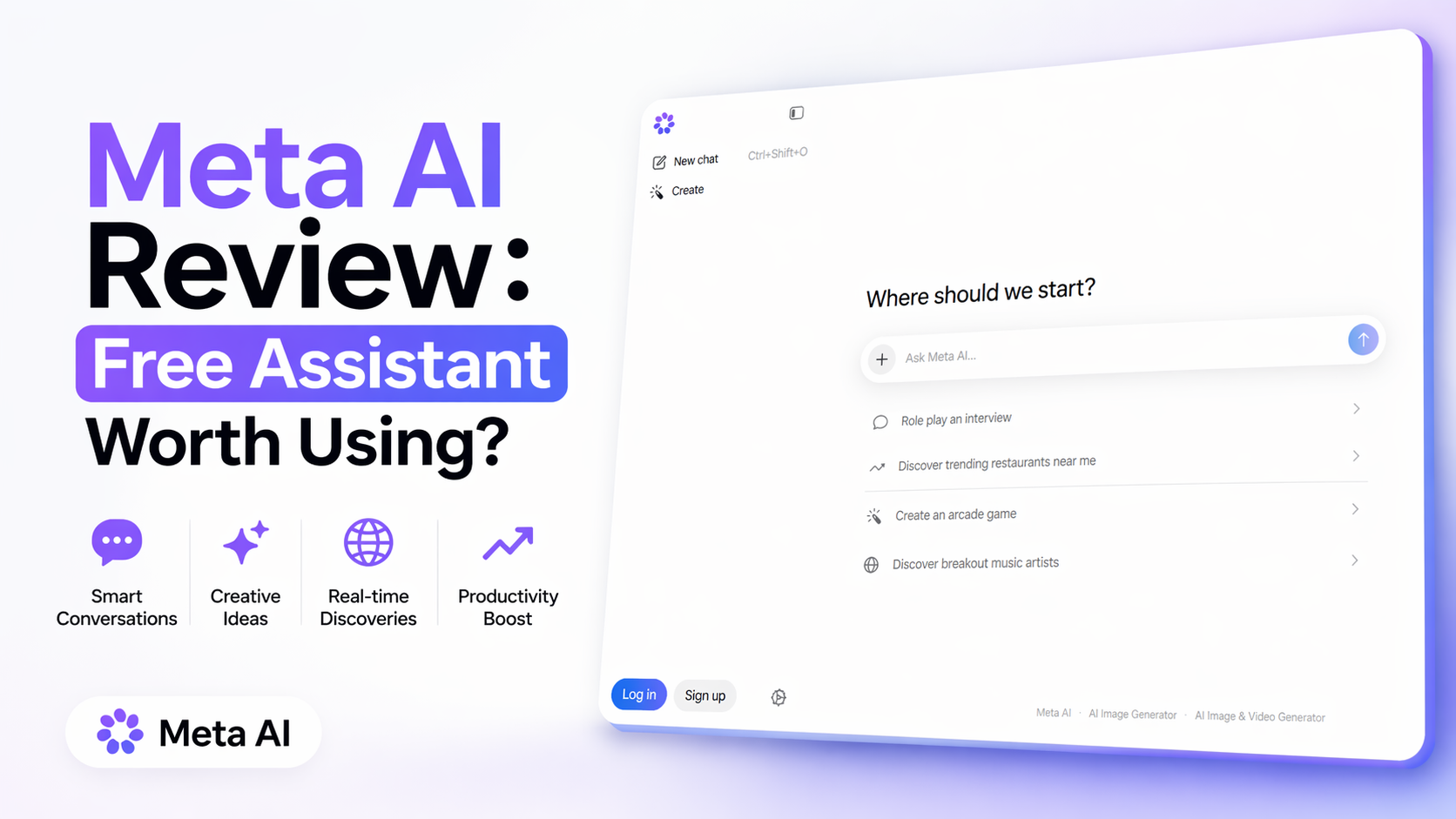
Meta AI Review: Free Assistant Worth Using?
Meta AI has become one of the most widely available consumer AI assistants because it is built directly into products millions already use. Instead of asking people to install a separate tool first, Meta placed it inside Facebook, Instagram, Messenger, WhatsApp, the standalone Meta AI app, and the web version at meta.ai. That reach alone makes it one of the biggest AI products in the market right now.
I tested Meta AI across web and app access, and the biggest strength is convenience. You can ask questions, generate images, rewrite text, brainstorm ideas, summarize quick topics, and handle simple productivity tasks without jumping between platforms. It feels less like a specialized AI tool and more like an everyday assistant available where people already spend time online.
What Meta AI Actually Does
Meta AI is designed for regular users, not only power users.
It helps with tasks like:
- Answering questions quickly
- Summarizing topics
- Brainstorming captions, emails, or posts
- Rewriting text in a cleaner tone
- Creating AI images from prompts
- Editing images and adding styles
- Giving recommendations
- Helping with basic planning tasks
- Voice chat on supported devices and apps
Meta also continues expanding multimodal features, including image generation and visual editing through Meta AI products.
My Experience Using Meta AI
After testing it, I’d say Meta AI works best when speed and convenience matter more than deep expert output.
If I needed a quick answer, simple rewrite, or instant image concept, it was fast. Because it lives inside familiar apps, it felt easier to use casually than opening a separate workspace.
For example:
- Need a better Instagram caption? Good choice.
- Need a quick dinner plan? Good choice.
- Need five image ideas for a product ad? Useful.
- Need a deep legal report or advanced coding workflow? Not the best fit.
That is the honest difference.
Meta AI is built for daily utility, not heavy enterprise workflows.
Best Features of Meta AI
1. Completely Easy Access
This is where Meta wins. Many people already use Messenger, Instagram, Facebook, or WhatsApp. Having AI there removes friction.
2. Free to Use
As of April 2026, Meta AI remains broadly free for normal users, though Meta has publicly tested premium subscriptions across some apps for added features. Core access remains free.
3. Strong Image Creation for Casual Users
Text-to-image generation is simple and beginner-friendly. You do not need advanced prompt skills.
4. Great for Social Media Users
Captions, comments, ideas, short rewrites, and post assistance are practical use cases.
5. Fast Responses
For common prompts, it usually feels responsive and light.
Who Should Use Meta AI?
Meta AI is ideal for:
- Students needing quick summaries
- Casual users wanting everyday AI help
- Social media creators
- Busy people needing fast answers
- Beginners exploring AI for the first time
- Users who want a free AI tool listed on Optizeno
If you need deep automation, advanced business workflows, or structured long-form reasoning, other tools may be stronger.
Where Meta AI Feels Weak
No tool is perfect.
Meta AI is excellent for convenience, but not always the strongest for advanced reasoning. For serious research tasks, premium writing, or technical workflows, dedicated AI tools may outperform it.
Also, some features vary by country, language, or rollout timing. That means users in one region may see tools others do not yet have.
Privacy-conscious users may also prefer reviewing settings carefully before sharing sensitive information.
Is Meta AI Worth It?
Yes — for most normal users.
If someone wants a free assistant for questions, captions, image generation, quick ideas, and light productivity, Meta AI is genuinely useful.
If someone needs high-end research, long strategic writing, coding depth, or serious business automation, they may outgrow it.
Final Verdict
Meta AI succeeds because it is practical.
It does not try to feel complicated. It gives everyday users AI inside products they already use. That alone makes it one of the most important consumer AI tools today.
For free users, it is absolutely worth testing.
For professionals, it works best as a secondary assistant rather than your only AI platform.
Pros
- Free for mainstream users
- Built into popular Meta apps
- Fast and easy to access
- Good image generation tools
- Great for casual daily tasks
Cons
- Not best for advanced reasoning
- Feature rollout varies by region
- Limited pro workflow depth
- Output quality can vary by task
- Privacy-conscious users may hesitate